
Planners

JigSketch: Workshop Jig & Template Planner

Plan simple shop jigs and templates with cut lists, dimensions, and notes so repeatable cuts stay accurate.

App typePlanners
AddedJun 6, 2026
Uses5 uses
Addressworkshop-jig-template-planner.hub2.day
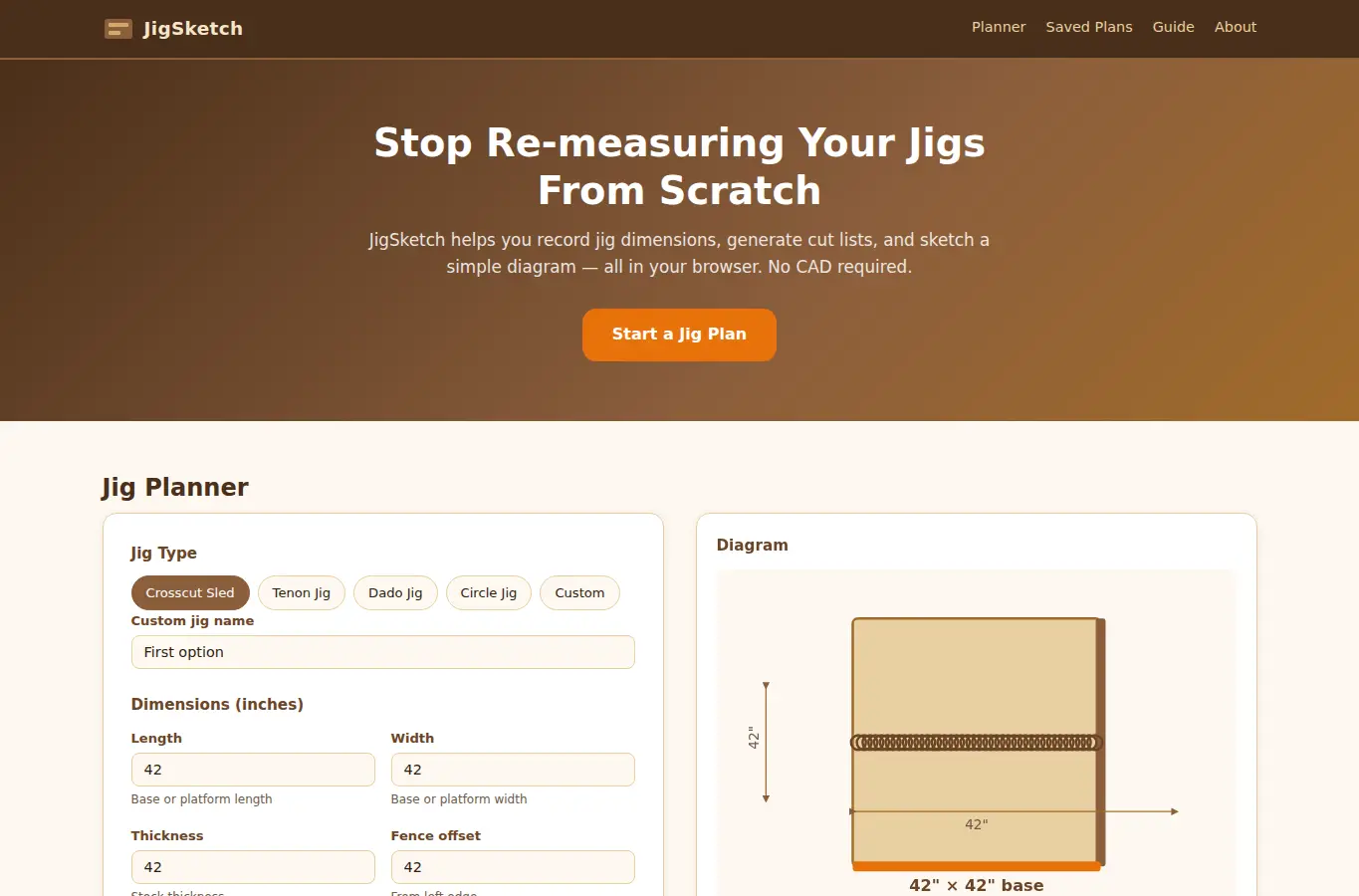
Screenshot of JigSketch: Workshop Jig & Template Planner interface showing the project page in use

How it helps

Use it for a focused task

JigSketch lets you define a jig by type, dimensions, and materials then instantly see a simple top-down diagram, a cut list, and notes you can print or save locally. It is built for hobby woodworkers who want repeatable setups without opening CAD.

Pick a jig type preset or start from scratch. Enter the key dimensions, choose your stock material, and add any notes about blade height, stop positions, or clamp placement.

The diagram updates live. When you are done, save it to your browser, print it, or copy the cut list.
Good next steps

Make the result easier to act on

  • Start with the examples or presets if you are unsure what to enter for JigSketch: Workshop Jig & Template Planner.
  • Try one realistic scenario first, then adjust the numbers or notes to compare another path.
  • Use save or share from the project footer when you want to return to the same helper later.
  • Open a related project below when the result points to a timing, budget, writing, planning, or comparison task.

Topics

Where this fits

Related projects