
How it helps
Use it for a focused task
This planner helps voice actors manage multiple audition pipelines in one place. Add roles as cards, move them between columns as they progress, and set deadline reminders.
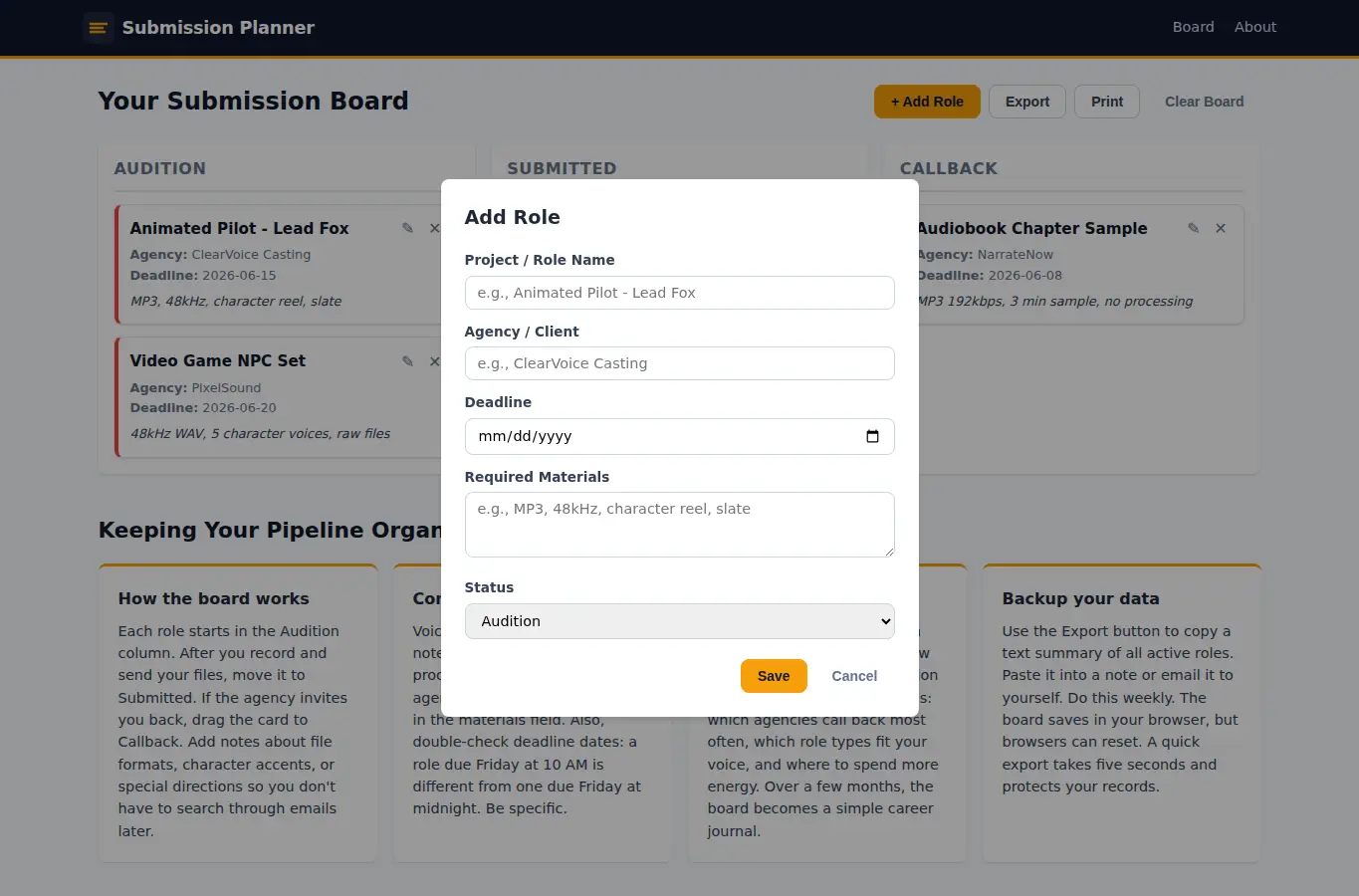
All data stays in your browser. Click 'Add Role' to create a new card.
Fill in the project name, agency, deadline, and any notes about required materials. Drag cards between Audition, Submitted, and Callback columns, or use the status dropdown.