
How it helps
Use it for a focused task
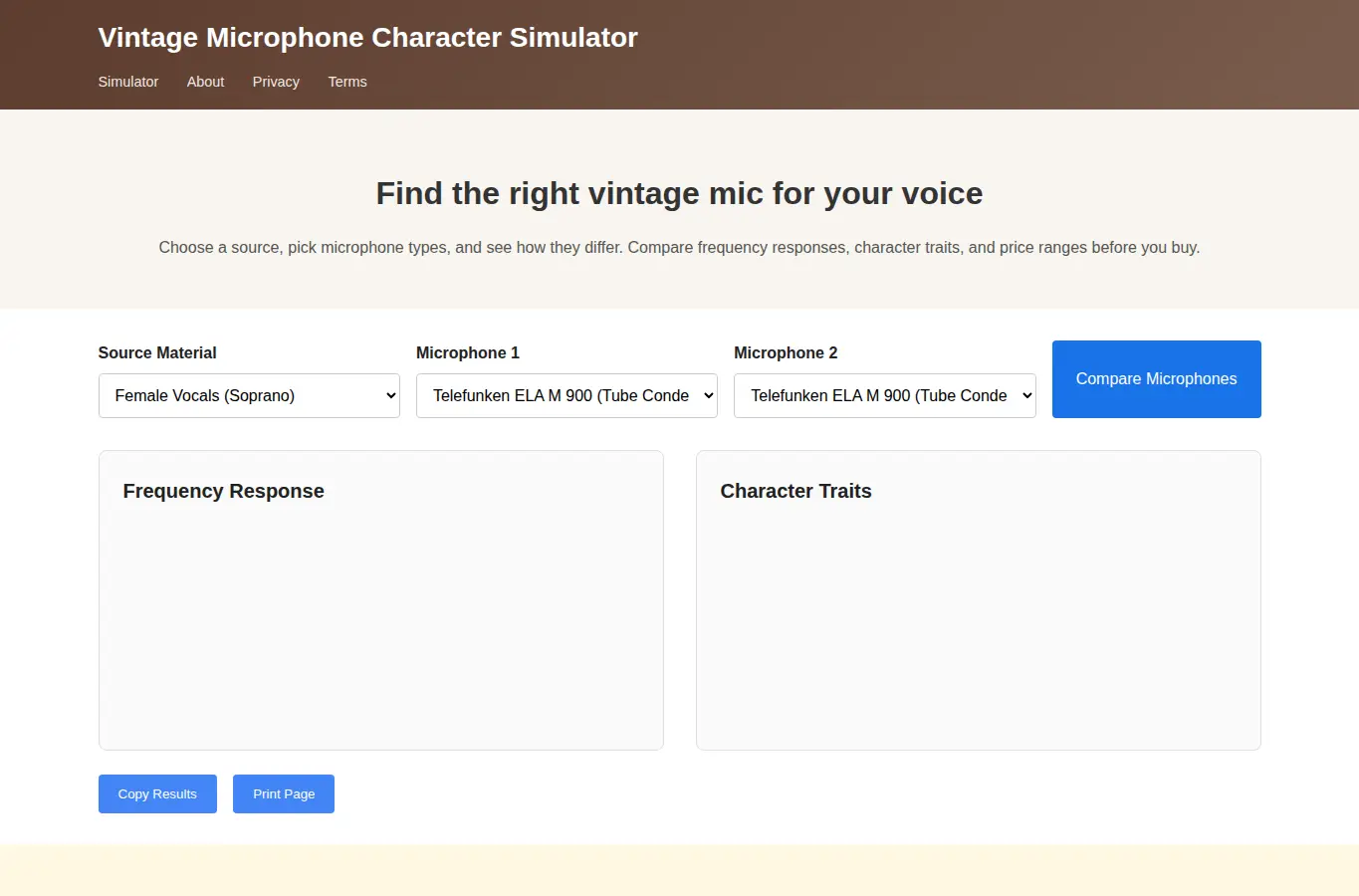
This simulator helps audio engineers and producers understand how different vintage microphones respond to various source materials. Select a source voice or instrument, choose microphone types, and see simulated frequency responses and character traits.
Start by selecting a source type from the dropdown or using one of the preset examples. Then choose one or more vintage microphones to compare.
The frequency response charts update instantly. Use the 'Compare' button to see side-by-side character traits.