
Guides

USB Cable Nerve Decoder

A visual decision tree that helps users identify which USB cable they actually have — by connector shape, speed rating, power capability, and common device pairings — so they stop grabbing the wrong cable and wondering why charging or data transfer fails.

App typeGuides
AddedJun 3, 2026
Uses1 use
Addressusb-cable-nerve-decoder.hub2.day
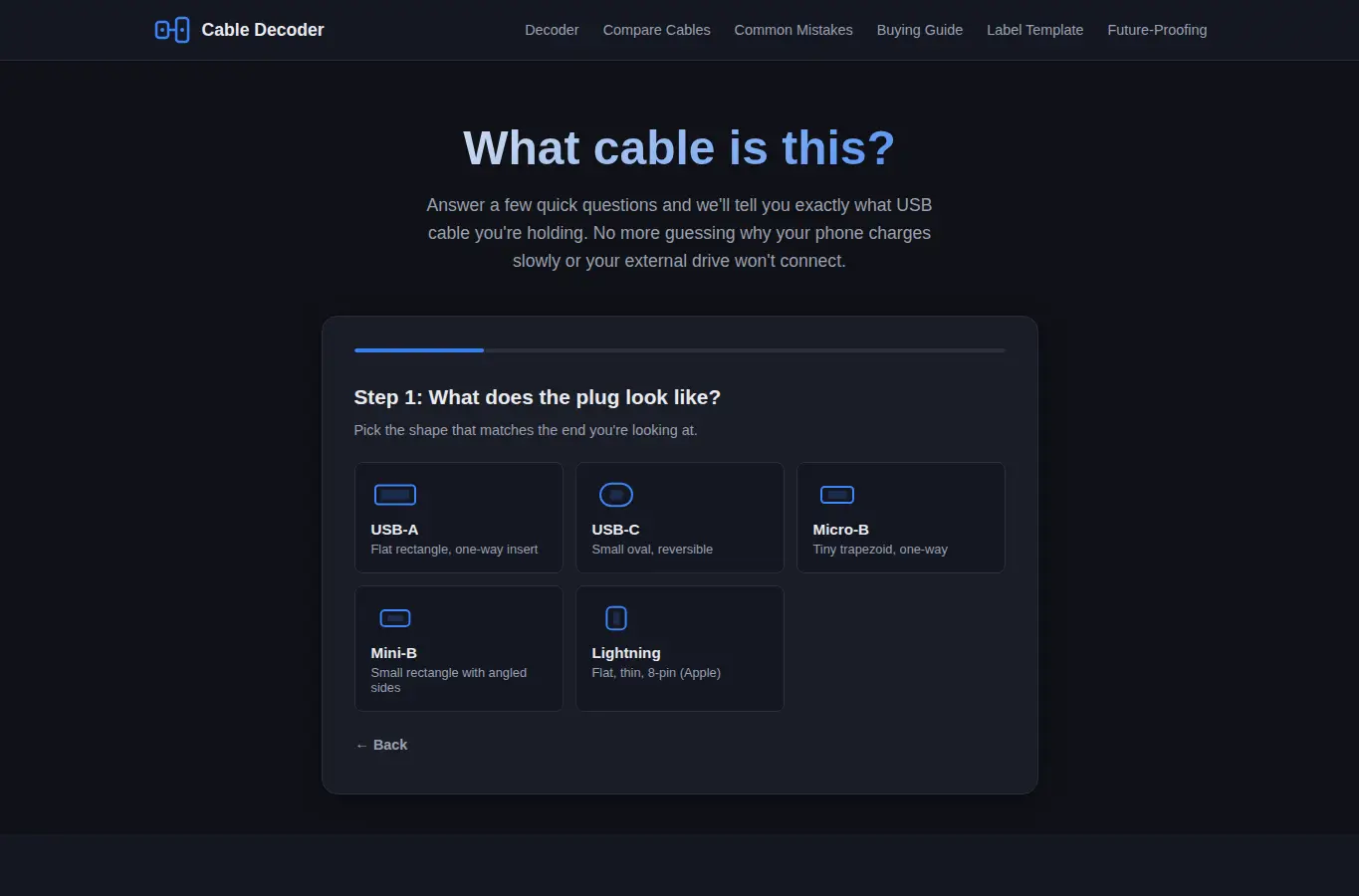
Screenshot of USB Cable Nerve Decoder interface showing the project page in use

How it helps

Use it for a focused task

The USB Cable Nerve Decoder is a visual decision tree that helps you identify mystery cables by answering simple questions about connector shape, cable thickness, and device type. It returns a precise cable identification with speed, power, and compatibility details.

Below the decoder you'll find a full cable comparison table, common mistakes to avoid, buying recommendations by use case, a printable labeling sticker template, and a future-proofing guide. Start at the top of the decoder and pick the connector shape that matches your cable's plug.

Then answer questions about cable thickness, device pairing, and what you're trying to do (charge, transfer data, connect a monitor). The decoder will narrow down the possibilities and show you the exact cable type with full specs.
Good next steps

Make the result easier to act on

  • Start with the examples or presets if you are unsure what to enter for USB Cable Nerve Decoder.
  • Try one realistic scenario first, then adjust the numbers or notes to compare another path.
  • Use save or share from the project footer when you want to return to the same helper later.
  • Open a related project below when the result points to a timing, budget, writing, planning, or comparison task.

Topics

Where this fits

Related projects