
Calculators

EncounterForge: Combat Balancer

Scale any tabletop RPG encounter up or down in difficulty by adjusting monster stats, numbers, or environment based on party composition.

App typeCalculators
AddedMay 13, 2026
Views6 views
Addresstabletop-encounter-difficulty-scaler.hub2.day
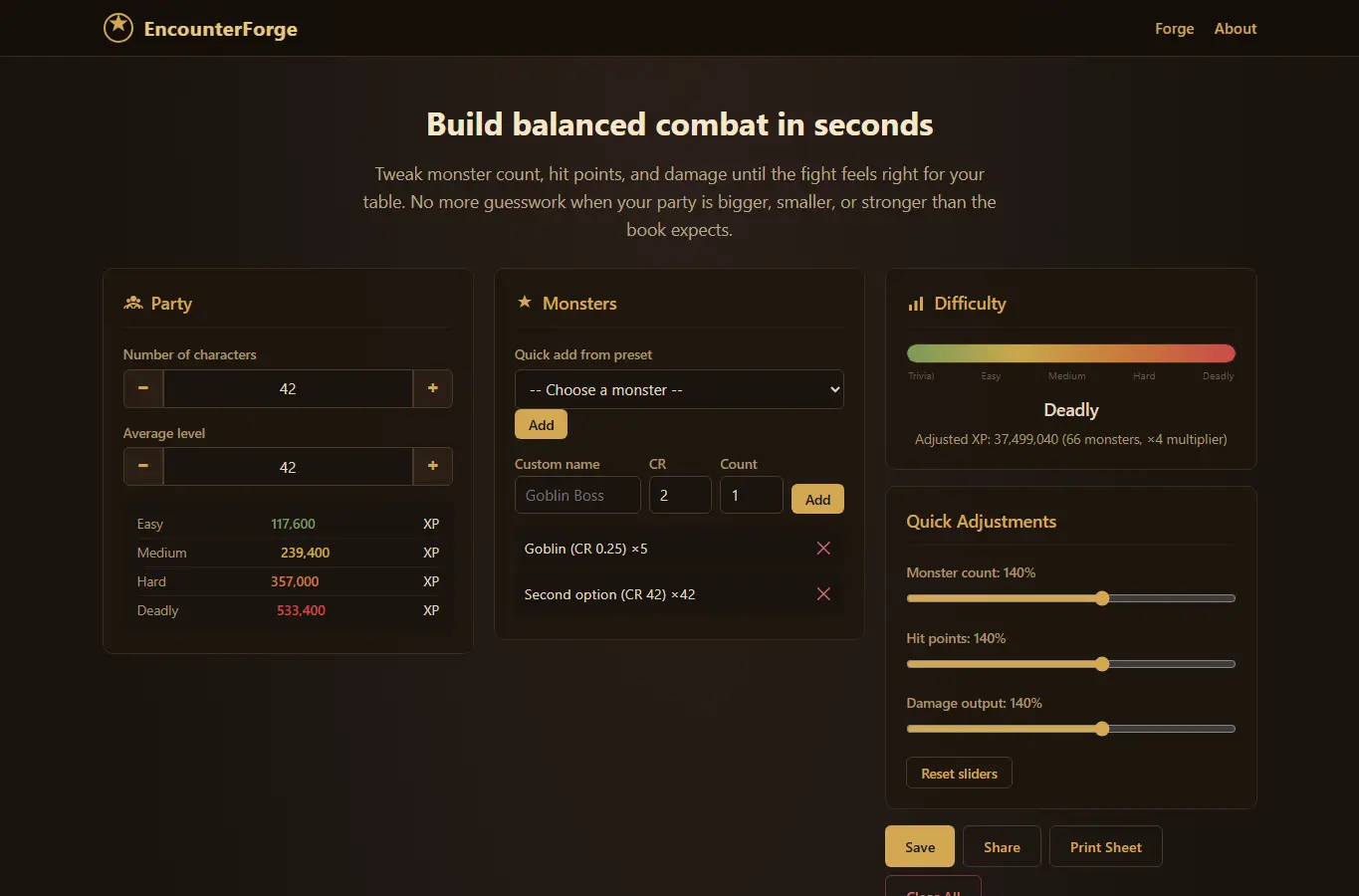
Screenshot of EncounterForge: Combat Balancer interface showing the project page in use

How it helps

Use it for a focused task

EncounterForge helps GMs quickly rebalance combat encounters. Input your party's size and average level, then add monsters from presets or custom entries.

The difficulty gauge shows where the fight falls from Trivial to Deadly. Use the sliders to adjust monster count, hit points, and damage output, and watch the gauge update in real time.

Below the interactive panel, you'll find a walkthrough, common mistakes to avoid, and answers to frequent questions. 1.
Good next steps

Make the result easier to act on

  • Start with the examples or presets if you are unsure what to enter for EncounterForge: Combat Balancer.
  • Try one realistic scenario first, then adjust the numbers or notes to compare another path.
  • Use save or share from the project footer when you want to return to the same helper later.
  • Open a related project below when the result points to a timing, budget, writing, planning, or comparison task.

Topics

Where this fits

Related projects