
Planners

SemesterSync: Study Planner

Optimize study schedules based on exam dates, subject difficulty, and personal energy patterns with adaptive recommendations

App typePlanners
AddedJul 17, 2026
Uses6 uses
Addressstudy-schedule-optimizer.hub2.day
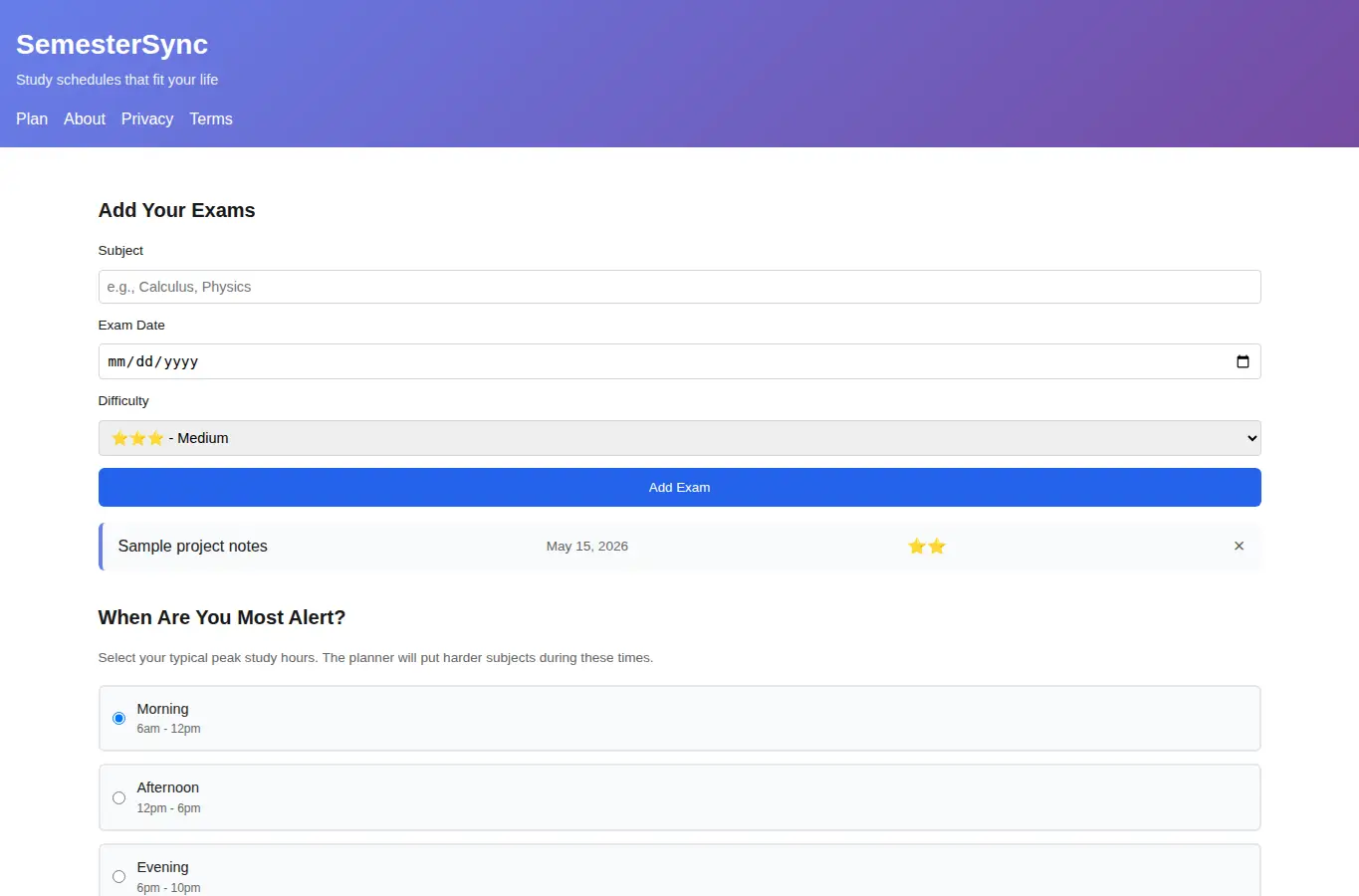
Screenshot of SemesterSync: Study Planner interface showing the project page in use

How it helps

Use it for a focused task

SemesterSync helps you build study plans that match your actual capacity. Add your exams, rate how hard each subject is, and tell us when you study best.

The planner creates colored blocks for studying, includes built-in breaks, and adjusts as you track your progress. Start by adding your exams using the form at the top.

For each exam, enter the subject name and exam date. Use the sliders to rate how difficult each subject feels to you (1-5 stars).

Good next steps

Make the result easier to act on

  • Start with the examples or presets if you are unsure what to enter for SemesterSync: Study Planner.
  • Try one realistic scenario first, then adjust the numbers or notes to compare another path.
  • Use save or share from the project footer when you want to return to the same helper later.
  • Open a related project below when the result points to a timing, budget, writing, planning, or comparison task.

Topics

Where this fits

Related projects