
How it helps
Use it for a focused task
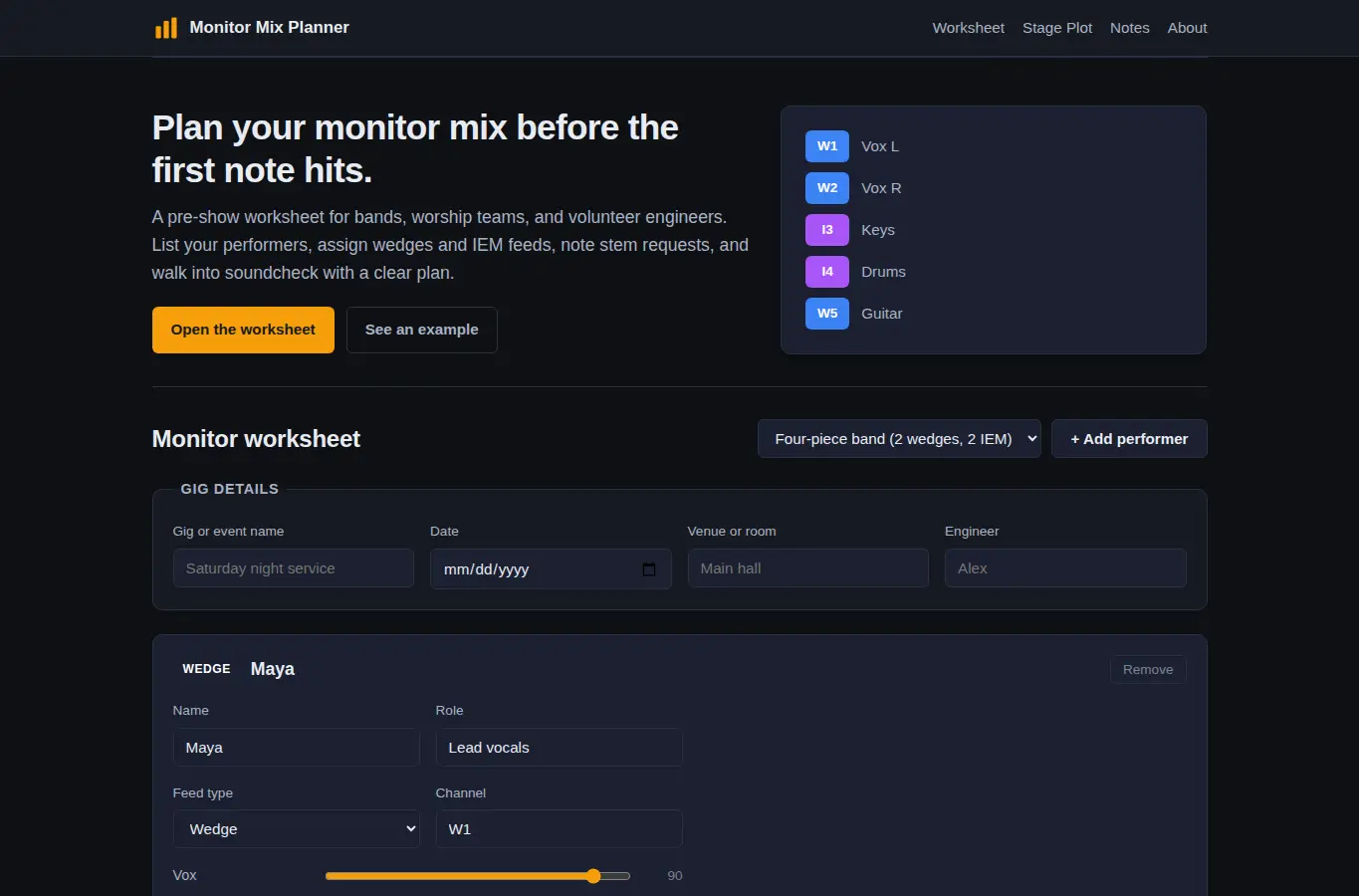
A practical pre-show worksheet where you list each performer, assign them a monitor channel (wedge or IEM), note which stems they want and at what relative level, and capture soundcheck notes. The page builds a live stage plot preview and a printable summary as you type.
Pick a preset or start blank. Add performers, assign each one a monitor channel, choose wedge or IEM, then fill in the stems they asked for.
Use the level sliders to mark relative balance. Add notes for the sound engineer.