How it helps
Use it for a focused task
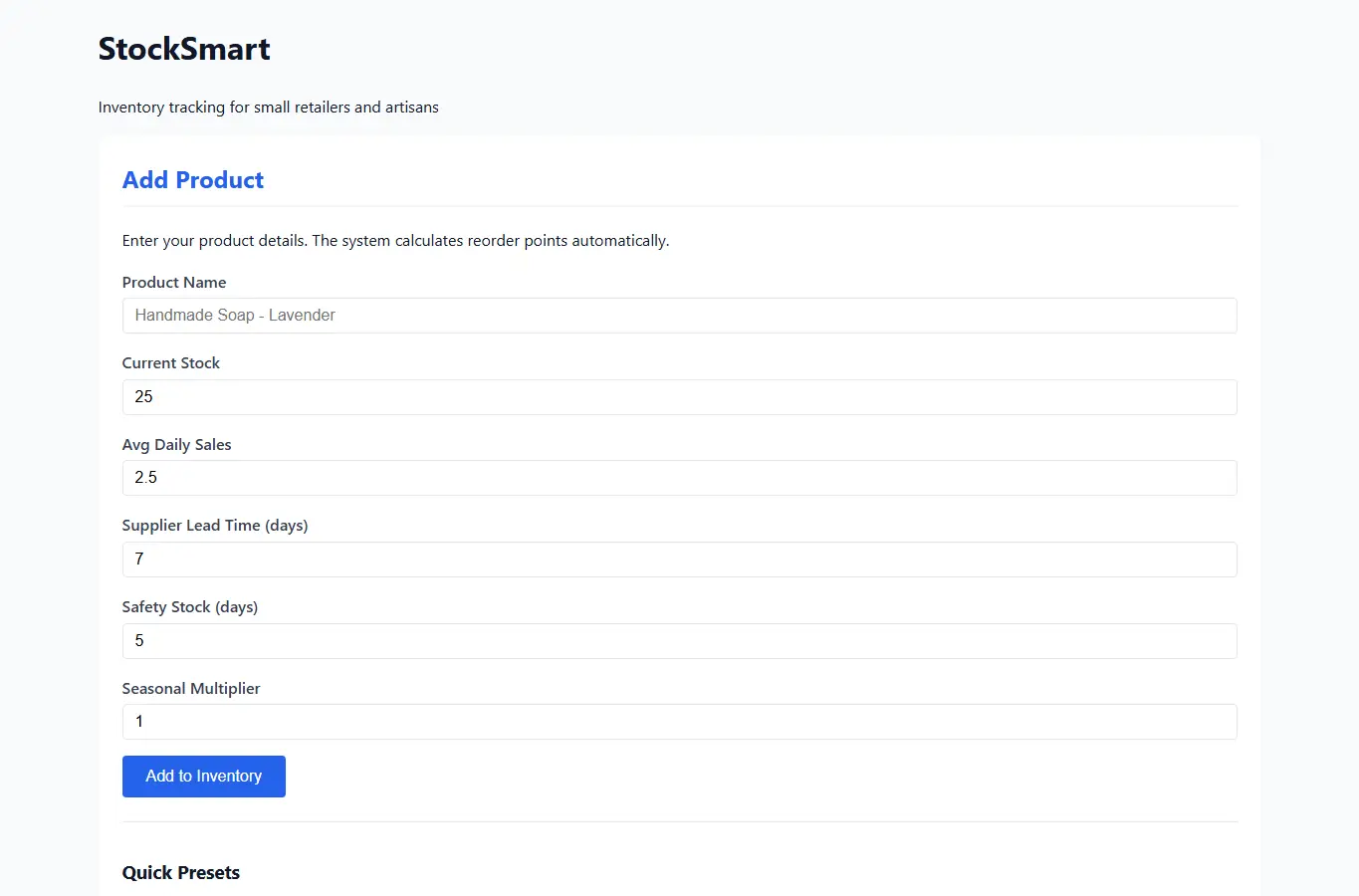
The page provides a complete inventory tracking workspace with three main areas: a product entry form, an inventory dashboard showing current stock levels, and an alerts panel highlighting items needing attention. Below the interactive section, you will find guidance on calculating reorder points, common inventory mistakes to avoid, and how to use seasonal demand patterns.
The supporting content explains the economic order quantity concept in simple terms and provides practical examples for boutique retailers and craft sellers. Enter your products with current stock, average daily sales, and supplier lead time.
The system calculates reorder points automatically. Review the alerts panel daily to know what needs ordering.