
Guides

Side-by-Side Text Diff Explainer

You paste two versions of a text and get a clear, color-coded comparison that explains what changed and why it might matter.

App typeGuides
AddedJun 24, 2026
Uses3 uses
Addressside-by-side-text-diff-explainer.hub2.day
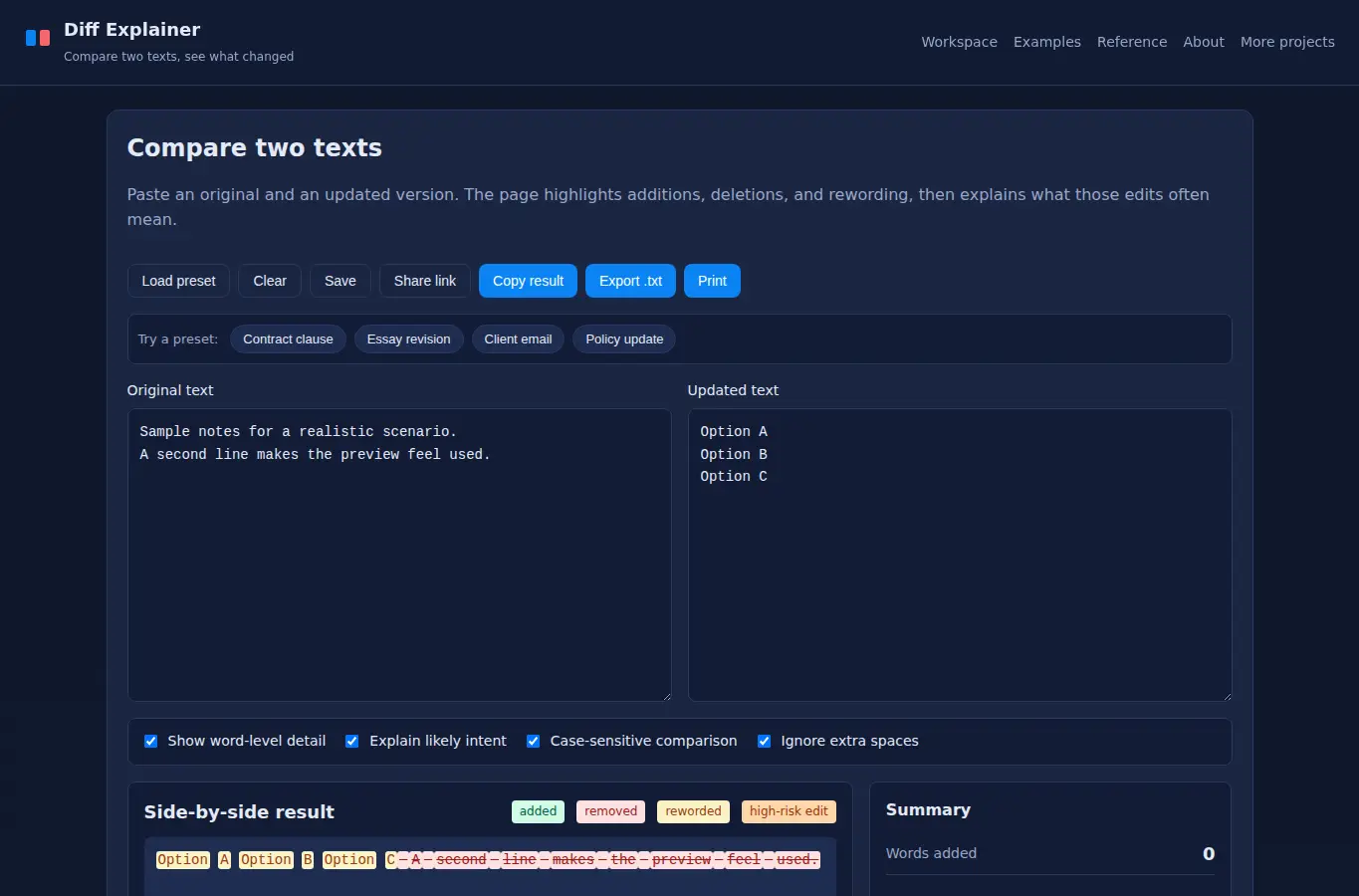
Screenshot of Side-by-Side Text Diff Explainer interface showing the project page in use

How it helps

Use it for a focused task

A single-page text diff workspace that shows additions, deletions, and rewording with plain-language intent notes and a printable summary. Paste your original text into the left box and the updated text into the right box, or load a preset to see how it works.

The page highlights word changes, sentence changes, and possible intent shifts. Use Copy, Export, or Print to save your work.

Subtle edits can change tone, scope, or obligation. This page makes those changes visible and explains what they often mean in practice.

Good next steps

Make the result easier to act on

  • Start with the examples or presets if you are unsure what to enter for Side-by-Side Text Diff Explainer.
  • Try one realistic scenario first, then adjust the numbers or notes to compare another path.
  • Use save or share from the project footer when you want to return to the same helper later.
  • Open a related project below when the result points to a timing, budget, writing, planning, or comparison task.

Topics

Where this fits

Related projects