
Utilities

Roguelike Build Simulator

Pick a starting class and make sequential item-pickup decisions through a simulated roguelike run, then see a final build summary with stat totals and synergy notes to compare against other paths.

App typeUtilities
AddedMay 30, 2026
Uses1 use
Addressroguelike-build-simulator.hub2.day
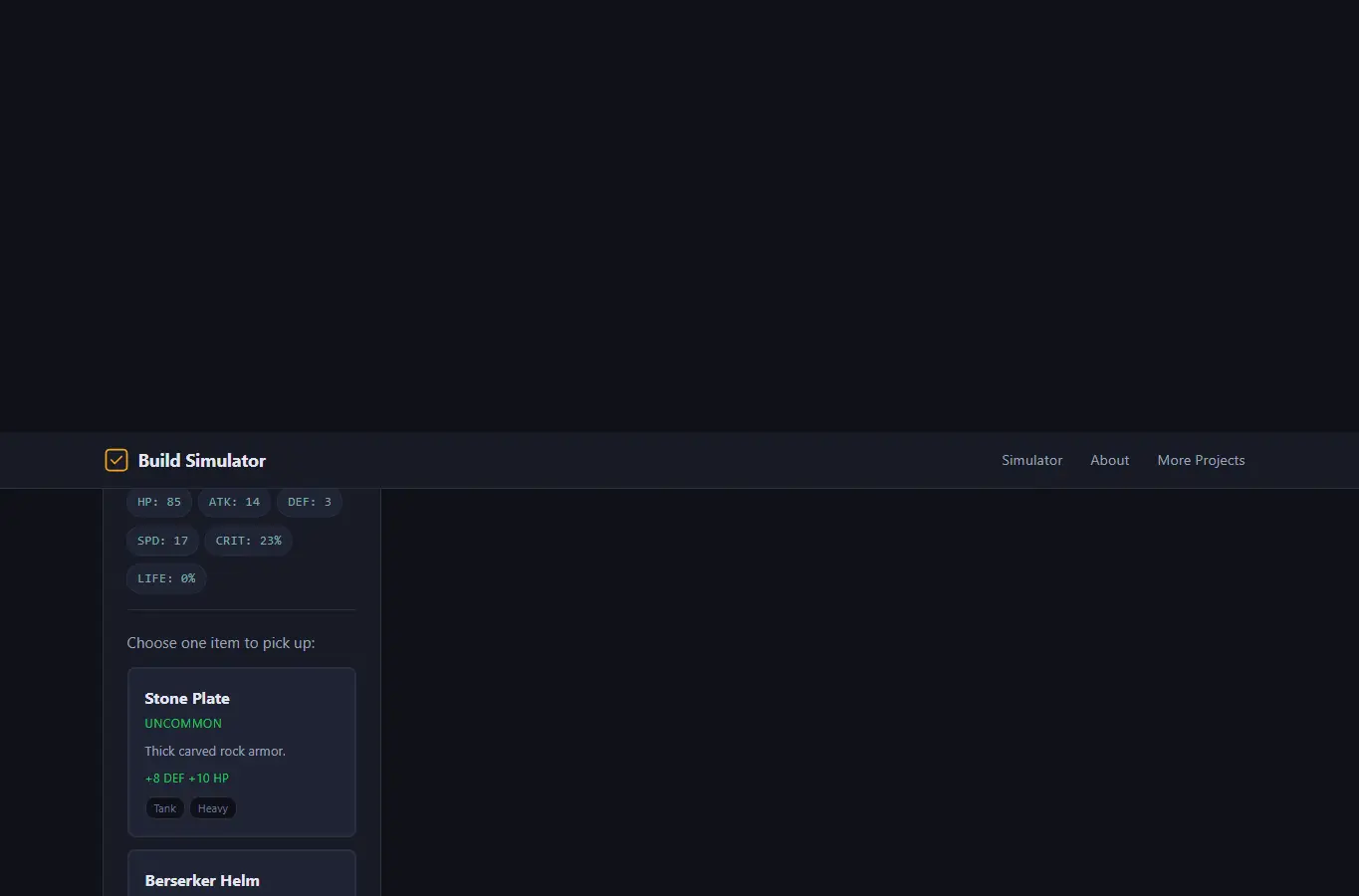
Screenshot of Roguelike Build Simulator interface showing the project page in use

How it helps

Use it for a focused task

A full roguelike build simulator where you pick a starting class, make item choices through branching paths, and see your final build with stat totals, synergy notes, and a comparison against alternative routes you didn't take. Choose a starting class.

At each floor, pick one of three items. Watch your stats change and read synergy hints.

After 8 floors, view your final build card. Save builds to local history, share via URL, or compare two builds side by side.

Good next steps

Make the result easier to act on

  • Start with the examples or presets if you are unsure what to enter for Roguelike Build Simulator.
  • Try one realistic scenario first, then adjust the numbers or notes to compare another path.
  • Use save or share from the project footer when you want to return to the same helper later.
  • Open a related project below when the result points to a timing, budget, writing, planning, or comparison task.

Topics

Where this fits

Related projects