How it helps
Use it for a focused task
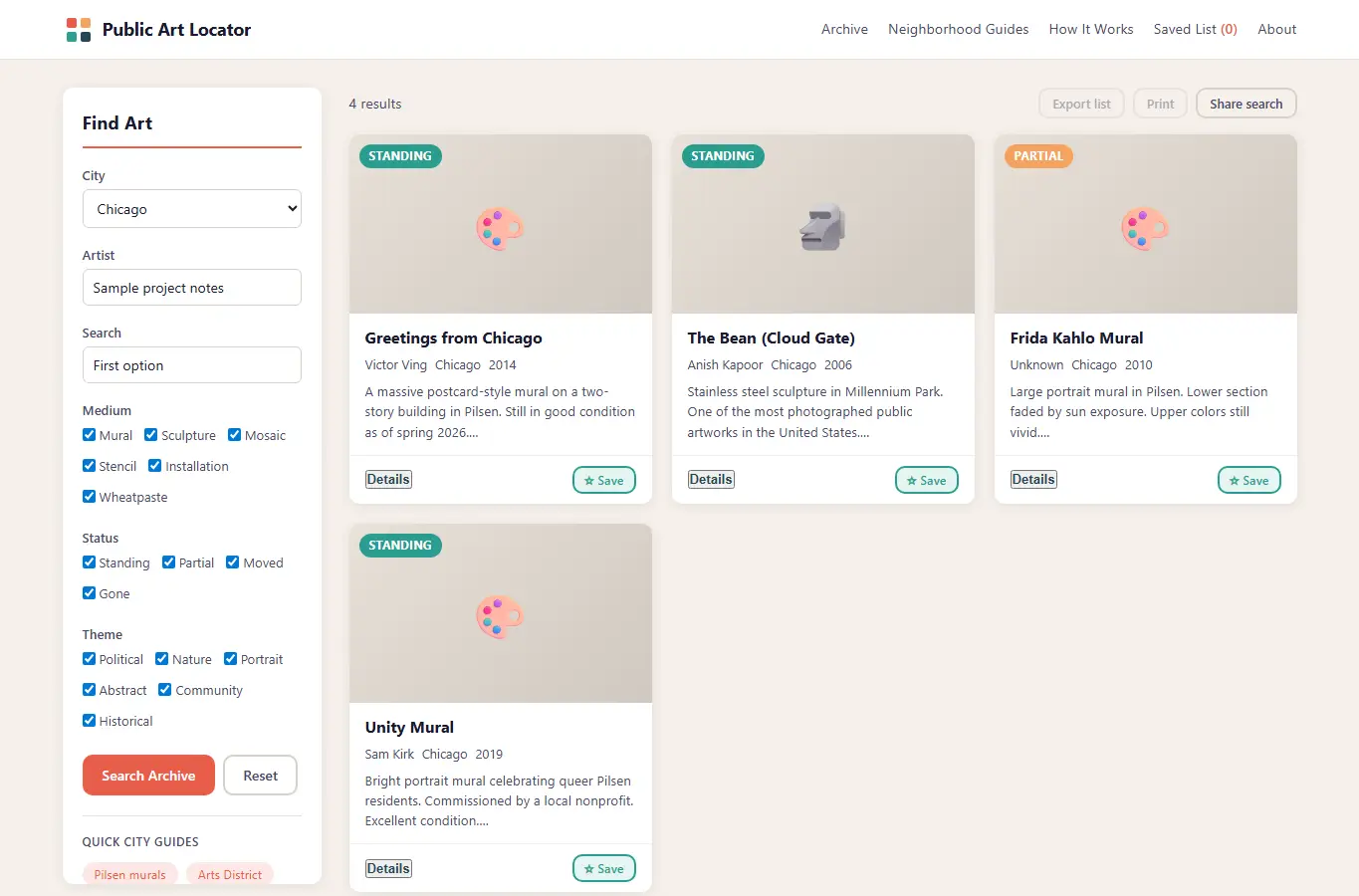
The page opens with a rich filter panel on the left and a results grid on the right. Visitors can search by city, artist, medium, or theme, then see artwork cards with photo, status badge, year, and walking directions from the nearest transit stop.
Below the results are neighborhood guides, notes on edge cases like moved or partially destroyed pieces, and common mistakes to watch for. Start by picking a city from the dropdown or typing an artist name.
Use the medium and theme checkboxes to narrow results. Each card shows the artwork's current status (standing, partially damaged, moved, or gone).