How it helps
Use it for a focused task
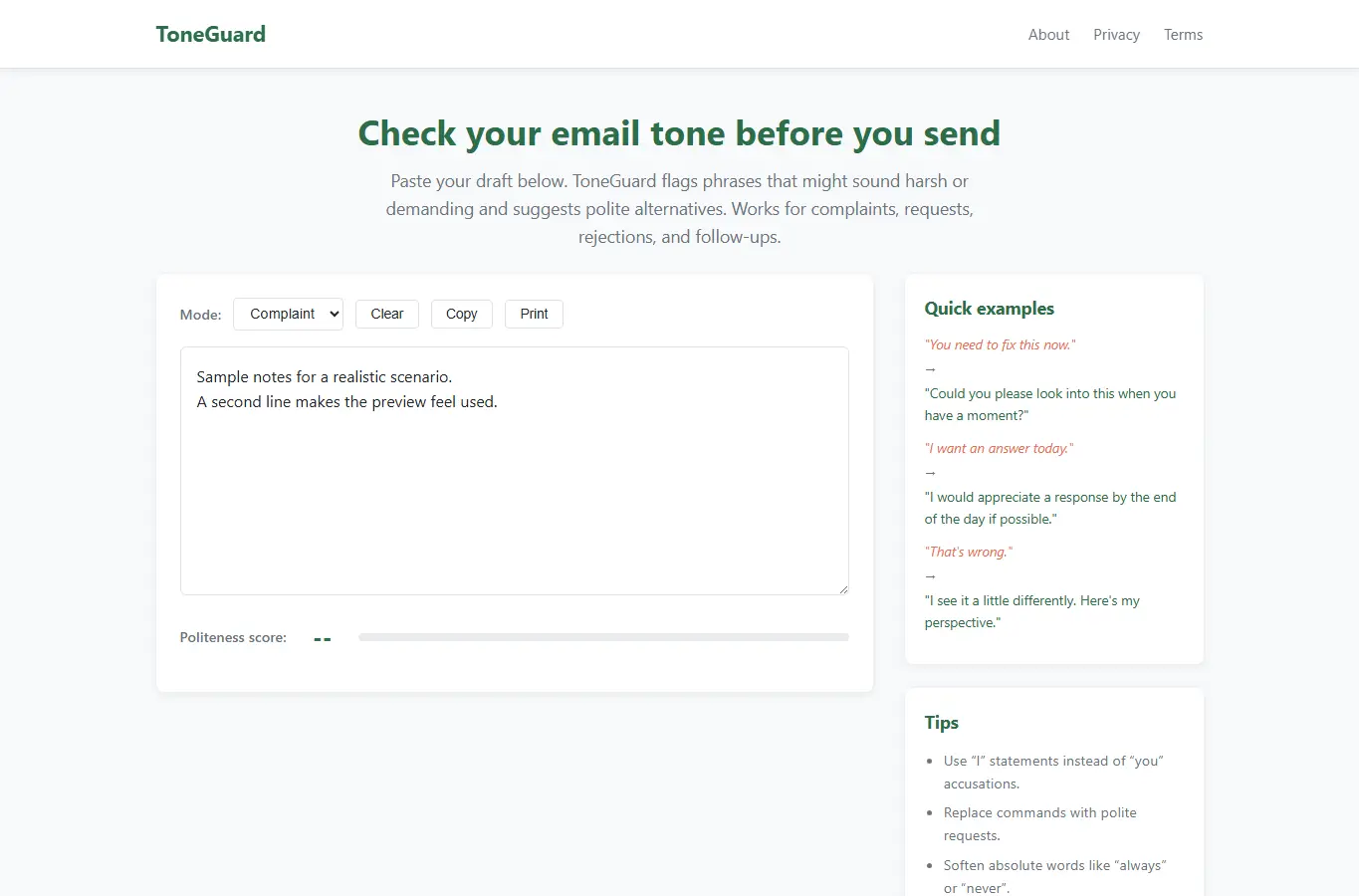
The page offers a complete email tone checking experience. Below the interactive panel, a detailed support section explains how to use the tool, why it helps, common mistakes, and answers to frequent questions.
Real-world examples and a scenario walkthrough help users understand tone adjustments in context. Paste your email draft into the text area or type directly.
As you type, the checker automatically scans the text for flagged phrases. Harsh or demanding words are highlighted in the text.