
Planners

GalleryFlow: Photography Show Organization Guide

Plan photography exhibitions from concept to opening with budget tracking, venue coordination, print specifications, and marketing timeline.

App typePlanners
AddedMay 24, 2026
Uses5 uses
Addressphoto-exhibition-planner.hub2.day
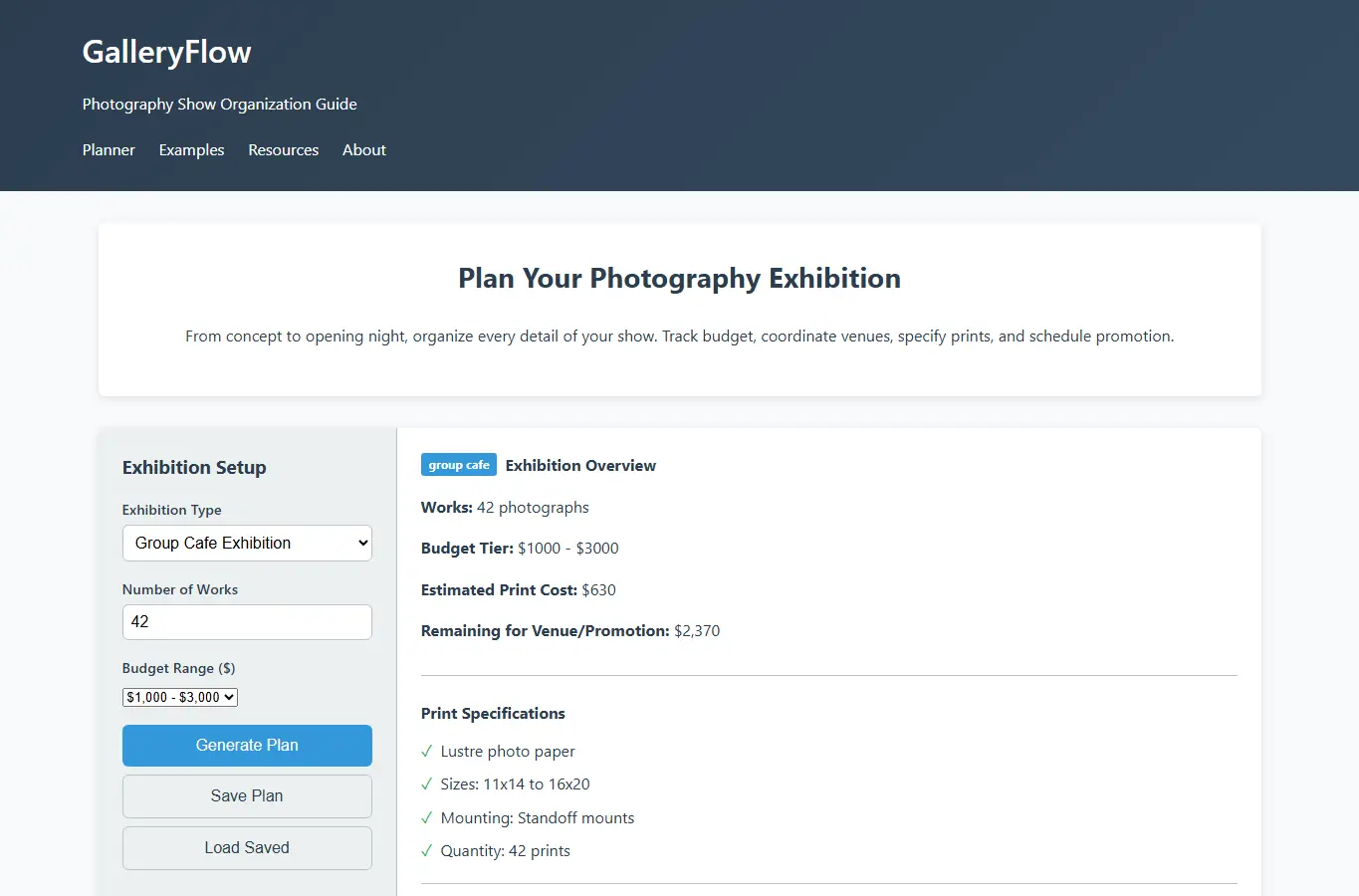
Screenshot of GalleryFlow: Photography Show Organization Guide interface showing the project page in use

How it helps

Use it for a focused task

The main interactive planner guides users through six key phases: Exhibition Scope, Budget & Timeline, Venue Research, Print Specifications, Hanging Plan, and Promotion Schedule. Each section includes smart defaults, editable fields, and automatic calculations.

Users can save their plans to localStorage, export as JSON or text, and share via URL parameters. The supporting content includes practical examples, common mistakes to avoid, and a quick-start guide for first-time exhibitors.

Start by selecting your exhibition type from the presets (solo gallery, group cafe show, pop-up display). Enter your expected number of works and budget range.

Good next steps

Make the result easier to act on

  • Start with the examples or presets if you are unsure what to enter for GalleryFlow: Photography Show Organization Guide.
  • Try one realistic scenario first, then adjust the numbers or notes to compare another path.
  • Use save or share from the project footer when you want to return to the same helper later.
  • Open a related project below when the result points to a timing, budget, writing, planning, or comparison task.

Topics

Where this fits

Related projects