
Guides

PF_RING Traffic Flow Visualizer

Visualizes network traffic patterns using PF_RING capture data to identify bandwidth hogs and unusual traffic spikes

App typeGuides
AddedJul 12, 2026
Uses5 uses
Addresspf-ring-traffic-analysis.hub2.day
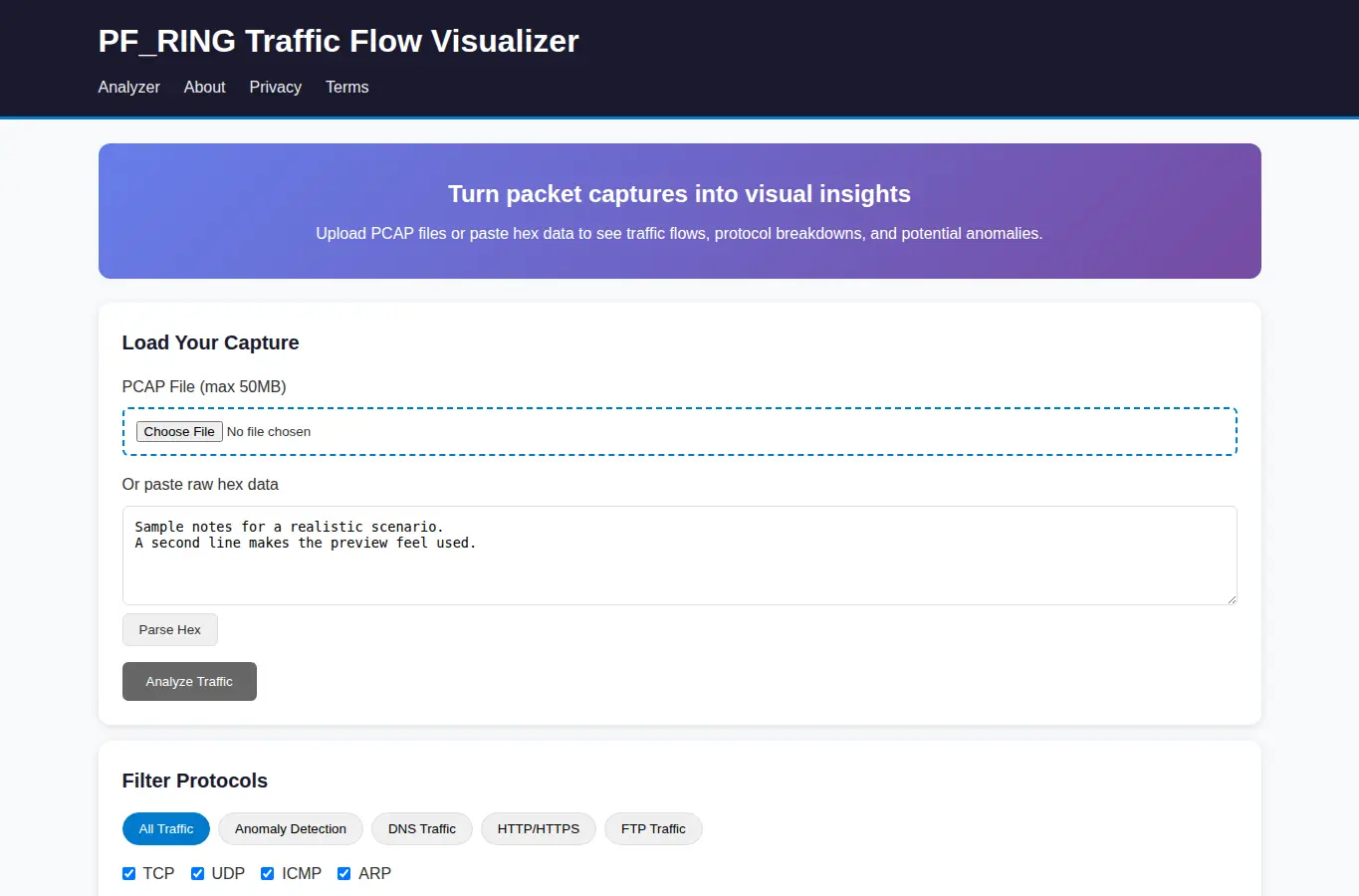
Screenshot of PF_RING Traffic Flow Visualizer interface showing the project page in use

How it helps

Use it for a focused task

Paste or upload PCAP files to see interactive flow diagrams showing traffic volume, timing, and protocol distribution. Use preset filters to quickly identify common attack patterns and anomalies.

1. Upload a PCAP file or paste hex data.

2. Select protocols to filter.

Good next steps

Make the result easier to act on

  • Start with the examples or presets if you are unsure what to enter for PF_RING Traffic Flow Visualizer.
  • Try one realistic scenario first, then adjust the numbers or notes to compare another path.
  • Use save or share from the project footer when you want to return to the same helper later.
  • Open a related project below when the result points to a timing, budget, writing, planning, or comparison task.

Topics

Where this fits

Related projects