How it helps
Use it for a focused task
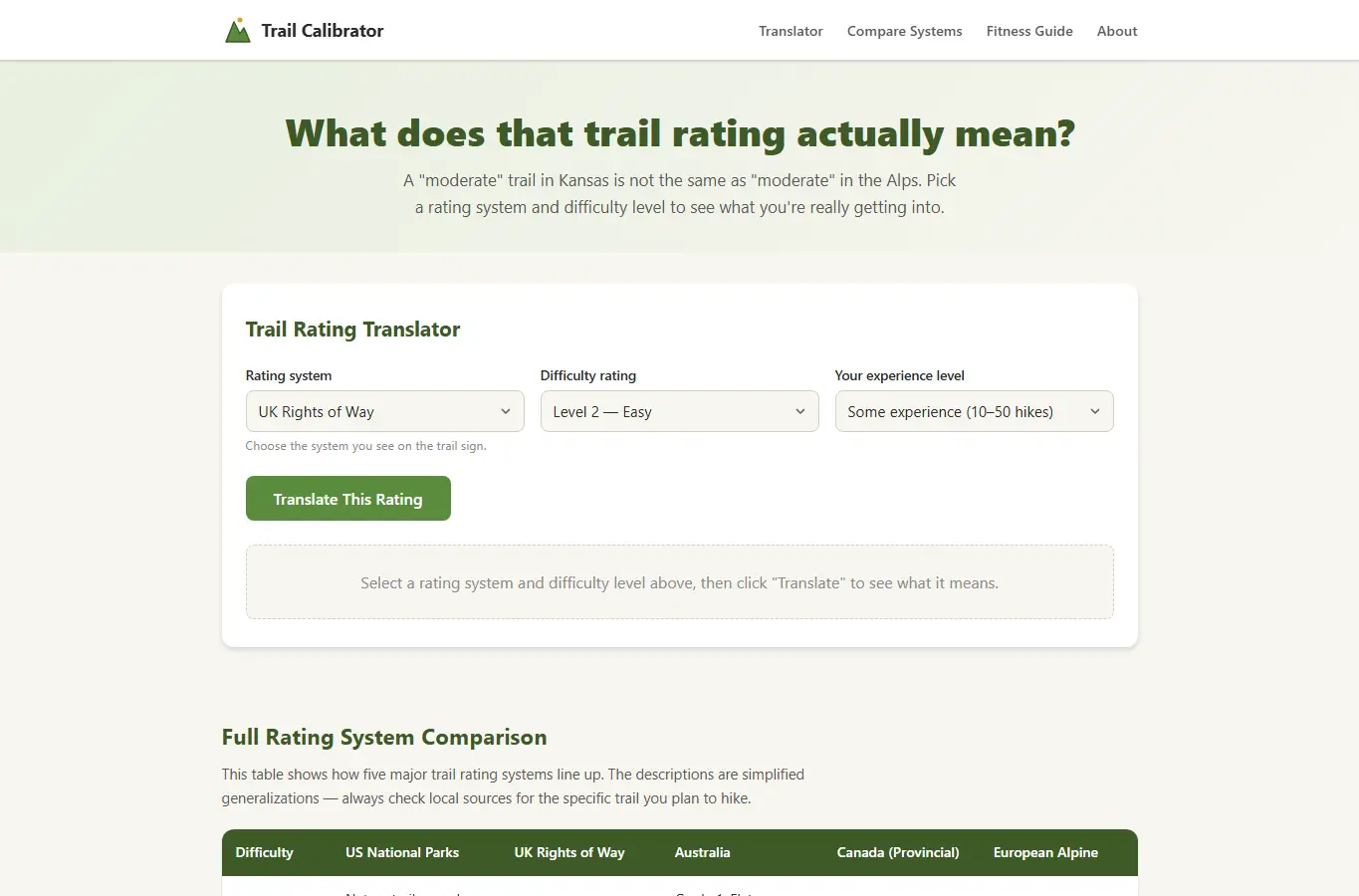
The page opens with an interactive trail rating translator where users select a rating system and difficulty level, then see what that rating means in practical terms (elevation gain, terrain, exposure) and how it compares to five other global systems. Below the translator sits a full comparison table, a fitness-level calibration section explaining what each rating means for different experience levels, common mistakes hikers make when reading ratings, seasonal considerations, and a self-assessment guide for unrated trails.
Pick the trail system you see on the sign (or the region you're hiking in), then select the rating displayed. The translator shows you what that rating actually demands, compares it to five other systems, and tells you whether it matches your fitness level.
Use the comparison table below for quick reference, and read the calibration notes to understand how your experience changes what a rating means. Trail ratings are not universal.