How it helps
Use it for a focused task
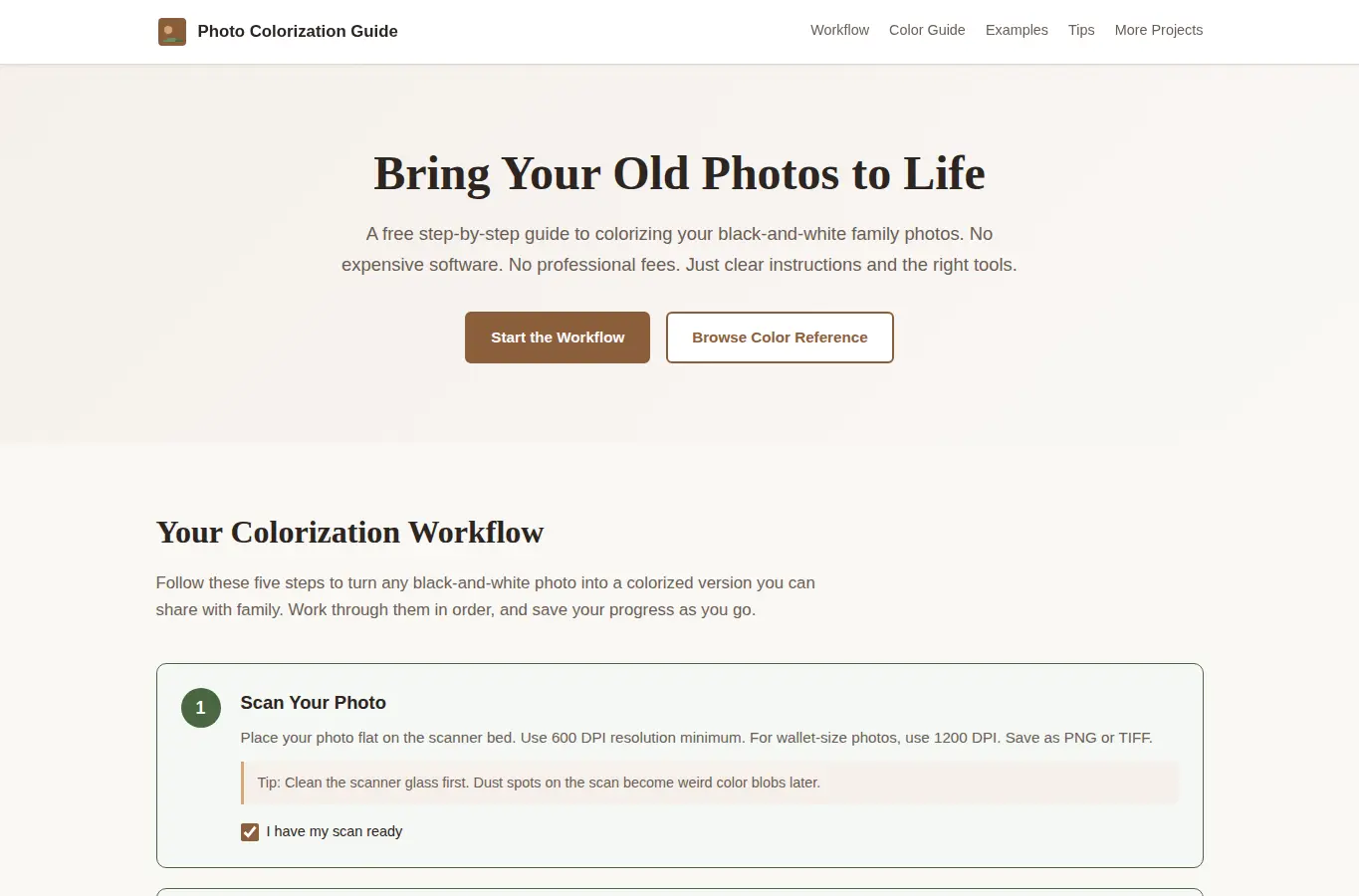
A complete interactive workflow that walks users through the entire photo colorization process: scanning the original photo, preparing the digital file, choosing historically accurate colors, running it through free browser-based tools, and reviewing the result. Includes a historical color reference guide by decade, common mistakes to avoid, scanning quality tips, before-and-after examples showing realistic expectations, and edge case handling for damaged or sepia-toned photos.
Start by selecting the decade your photo was taken. The guide will show you historically accurate color palettes for clothing, uniforms, and interiors from that era.
Then follow the step-by-step workflow: scan your photo at the right resolution, prepare the image, choose your free colorization tool, apply colors using the reference guide, and check your result against the quality checklist. You can save your progress in the browser and print the checklist for your records.