
Generators

VaultForge: Obsidian Note Template Architect

A browser-side template builder that generates Markdown frontmatter and folder structures for Obsidian, Notion, or Logseq users starting new knowledge-management systems.

App typeGenerators
AddedMay 24, 2026
Uses4 uses
Addressobsidian-note-template-builder.hub2.day
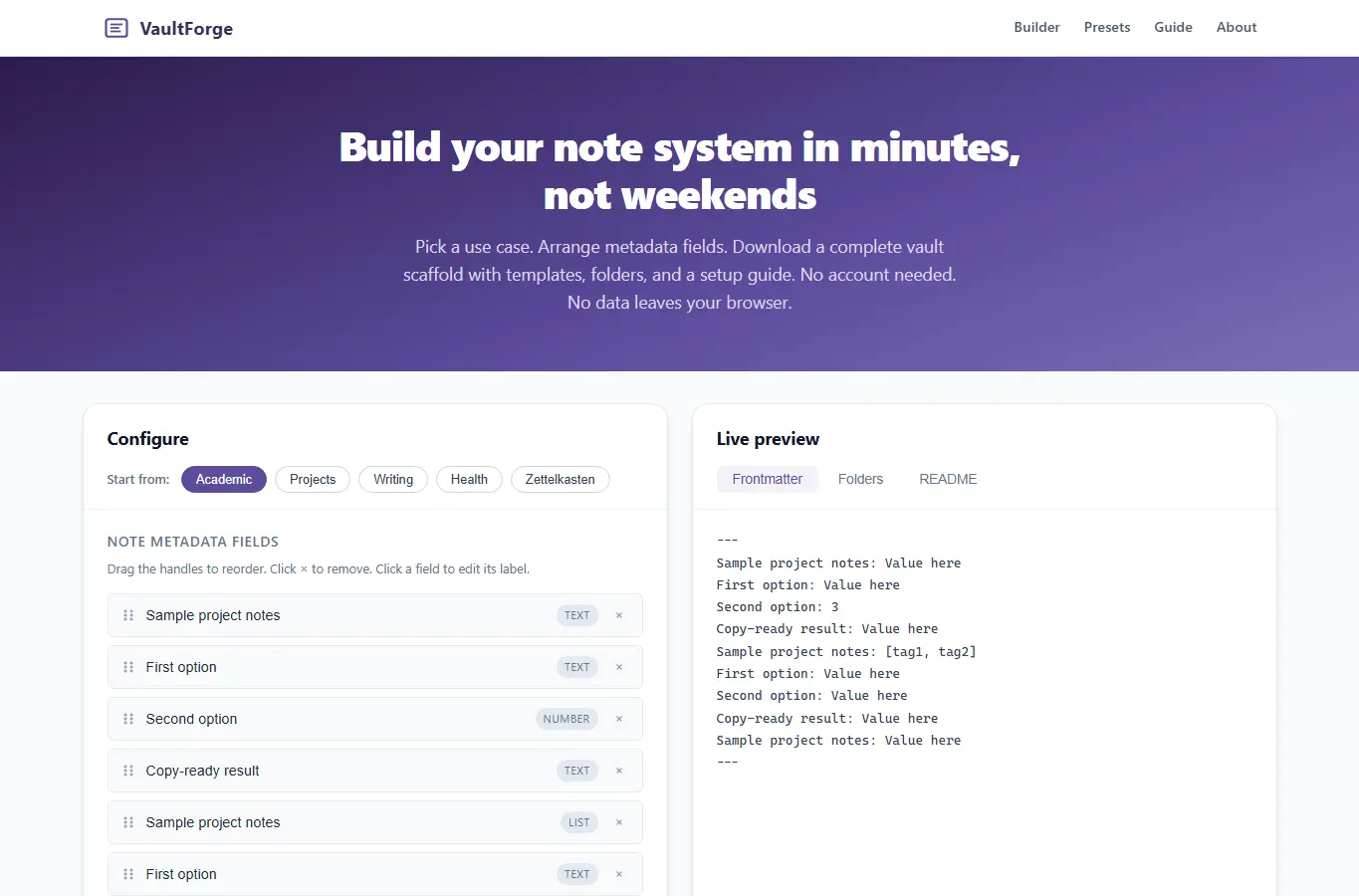
Screenshot of VaultForge: Obsidian Note Template Architect interface showing the project page in use

How it helps

Use it for a focused task

VaultForge helps knowledge workers skip the boring setup phase of new note systems. Instead of copying templates from scattered blog posts, users configure once and receive a complete vault scaffold: frontmatter templates, folder structure, and a setup README.

The supporting content explains how different use cases change field choices, why certain metadata matters for retrieval, and common mistakes like over-engineering categories or neglecting date formats. Start with a preset that matches your goal: Academic Research, Project Management, Creative Writing, Health Tracking, or Zettelkasten.

Add or remove metadata fields by clicking the tag pills. Reorder fields by dragging the handles.

Good next steps

Make the result easier to act on

  • Start with the examples or presets if you are unsure what to enter for VaultForge: Obsidian Note Template Architect.
  • Try one realistic scenario first, then adjust the numbers or notes to compare another path.
  • Use save or share from the project footer when you want to return to the same helper later.
  • Open a related project below when the result points to a timing, budget, writing, planning, or comparison task.

Topics

Where this fits

Related projects