
Utilities

GridAlign: Markdown Table Alignment Visualizer

An interactive editor where users paste or type markdown tables and immediately see live-rendered output with draggable column alignment toggles, width indicators, and exportable clean markdown.

App typeUtilities
AddedMay 24, 2026
Uses6 uses
Addressmarkdown-table-alignment-visualizer.hub2.day
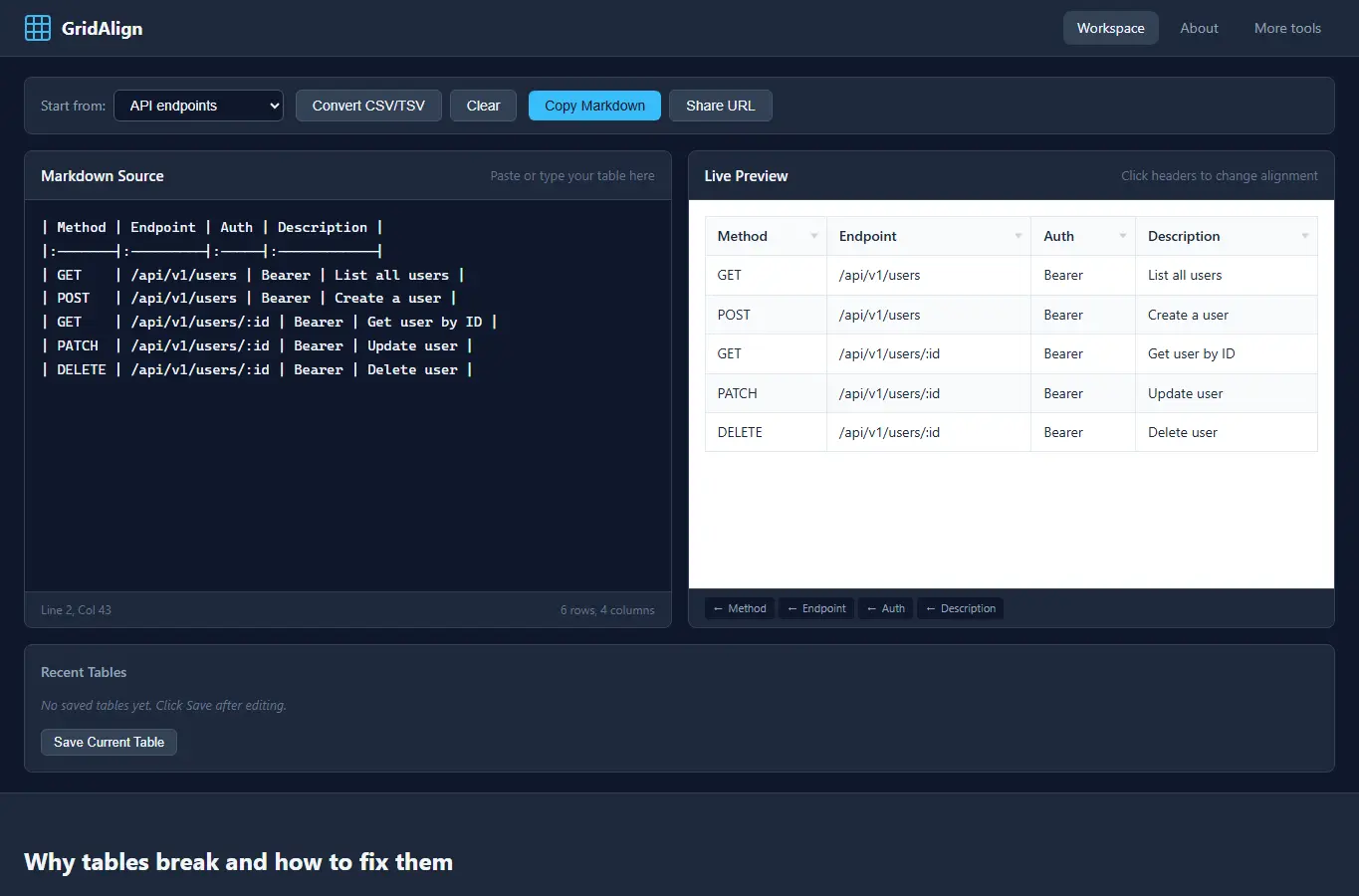
Screenshot of GridAlign: Markdown Table Alignment Visualizer interface showing the project page in use

How it helps

Use it for a focused task

GridAlign helps technical writers and developers fix markdown table formatting without guessing. Paste any table, click column headers to set alignment, adjust widths visually, and copy clean markdown that renders correctly on GitHub, GitLab, and most parsers.

Paste your markdown table into the left panel or pick a template. The right panel shows live preview.

Click any column header to cycle left, center, right alignment. Drag the width indicator to adjust column spacing.
Good next steps

Make the result easier to act on

  • Start with the examples or presets if you are unsure what to enter for GridAlign: Markdown Table Alignment Visualizer.
  • Try one realistic scenario first, then adjust the numbers or notes to compare another path.
  • Use save or share from the project footer when you want to return to the same helper later.
  • Open a related project below when the result points to a timing, budget, writing, planning, or comparison task.

Topics

Where this fits

Related projects