
Guides

Key Command Converter — Translate Shortcuts Between Apps Instantly

Translates keyboard shortcuts between popular software tools to help users work faster without relearning muscle memory.

App typeGuides
AddedJul 16, 2026
Uses4 uses
Addresskeyboard-shortcut-translator.hub2.day
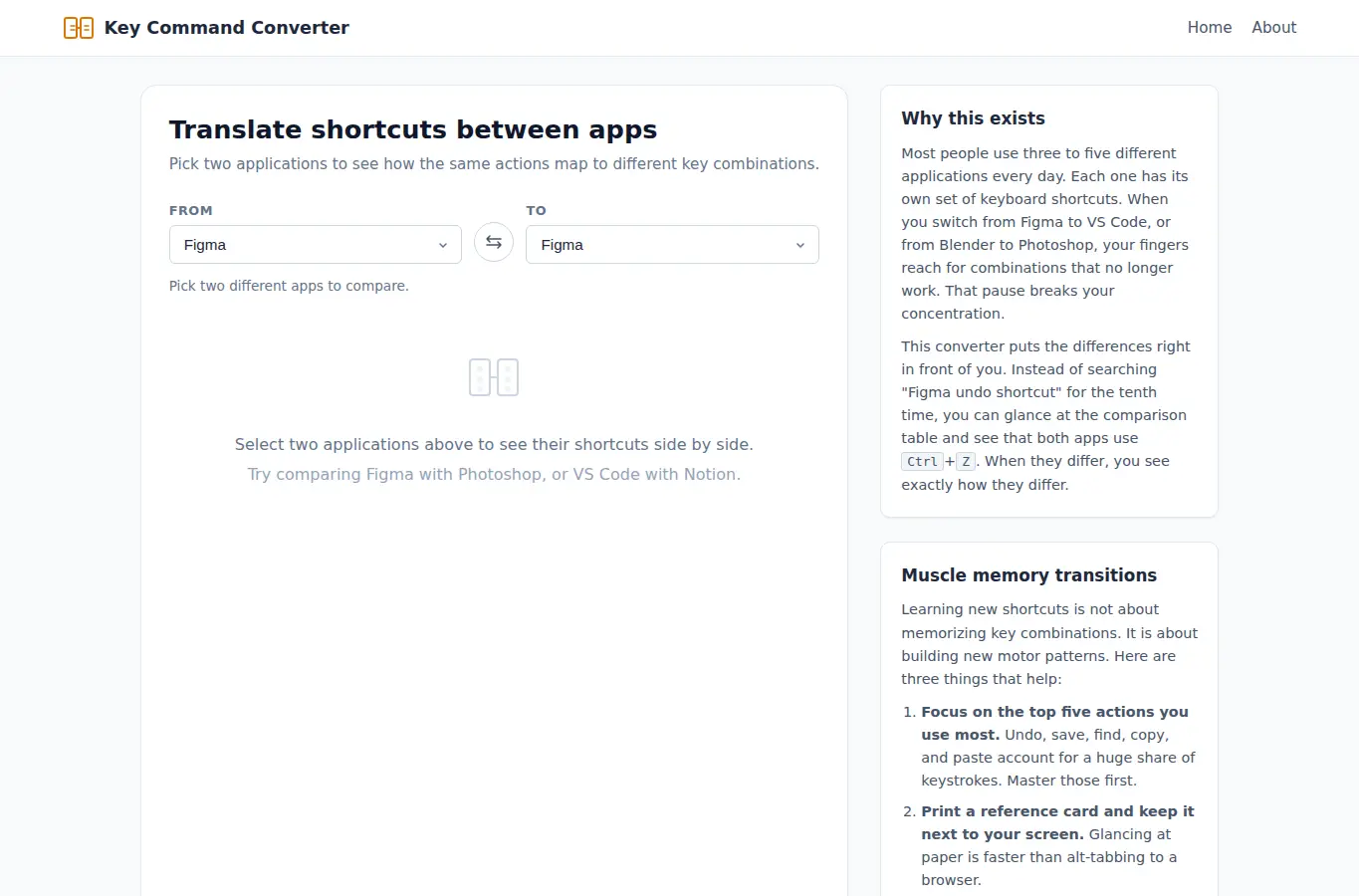
Screenshot of Key Command Converter — Translate Shortcuts Between Apps Instantly interface showing the project page in use

How it helps

Use it for a focused task

This page lets you pick two applications and see how the same common actions map to different keyboard shortcuts. It covers text editing, navigation, selection, window management, and tool-specific actions.

The comparison table highlights exact matches in green, similar shortcuts in amber, and actions that exist in only one app in gray. Below the interactive panel you will find practical notes on muscle-memory transitions, common mistakes when switching apps, and a short FAQ.

Choose two apps from the dropdowns at the top of the comparison panel. The table refreshes immediately.

Good next steps

Make the result easier to act on

  • Start with the examples or presets if you are unsure what to enter for Key Command Converter — Translate Shortcuts Between Apps Instantly.
  • Try one realistic scenario first, then adjust the numbers or notes to compare another path.
  • Use save or share from the project footer when you want to return to the same helper later.
  • Open a related project below when the result points to a timing, budget, writing, planning, or comparison task.

Topics

Where this fits

Related projects