
Utilities

Door Swing Clearance Checker

Input your door dimensions and room layout to instantly see if a door will clear furniture, walls, and adjacent fixtures when fully opened — preventing expensive ordering mistakes before you buy or install.

App typeUtilities
AddedJun 2, 2026
Uses1 use
Addressinterior-door-swing-clearance-checker.hub2.day
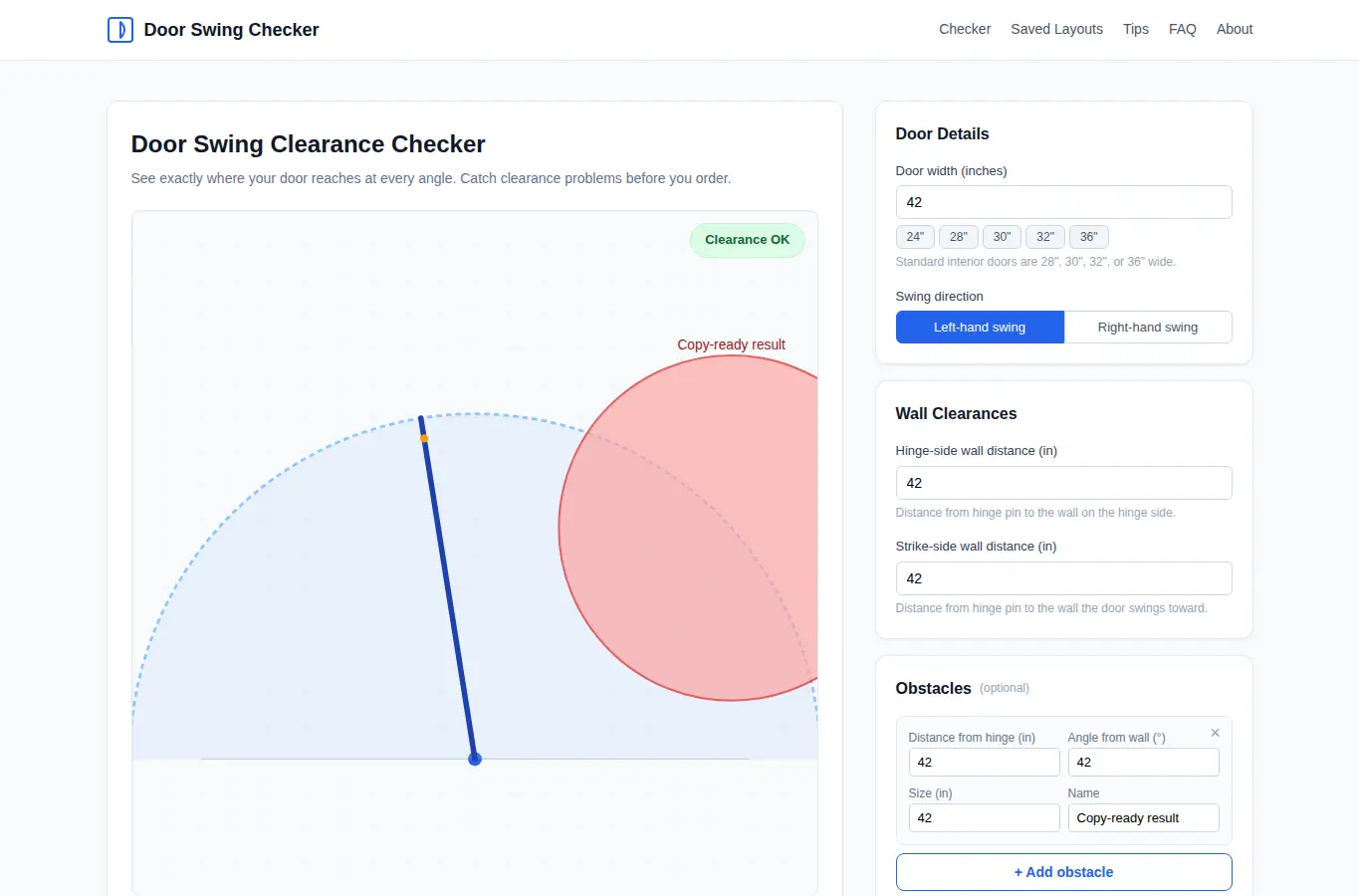
Screenshot of Door Swing Clearance Checker interface showing the project page in use

How it helps

Use it for a focused task

This page lets you enter your door width, wall distances, and nearby obstacles, then instantly see an animated swing arc showing exactly where the door reaches at every angle. It flags tight clearances, suggests alternatives, and lets you save multiple room layouts for comparison.

Start by picking a standard door size or entering a custom width. Set the distance from the hinge to the nearest wall on each side.

Add any obstacles like furniture or other doors by entering their distance from the hinge and angle from the wall. The visualization updates live.

Good next steps

Make the result easier to act on

  • Start with the examples or presets if you are unsure what to enter for Door Swing Clearance Checker.
  • Try one realistic scenario first, then adjust the numbers or notes to compare another path.
  • Use save or share from the project footer when you want to return to the same helper later.
  • Open a related project below when the result points to a timing, budget, writing, planning, or comparison task.

Topics

Where this fits

Related projects