
Calculators

Capo Key Translator

A tool that instantly shows you what chord shapes to play with a capo on any fret to match the original open chord sound in any target key — with a visual fretboard and chord diagram output.

App typeCalculators
AddedMay 31, 2026
Uses6 uses
Addressguitar-capo-key-changer.hub2.day
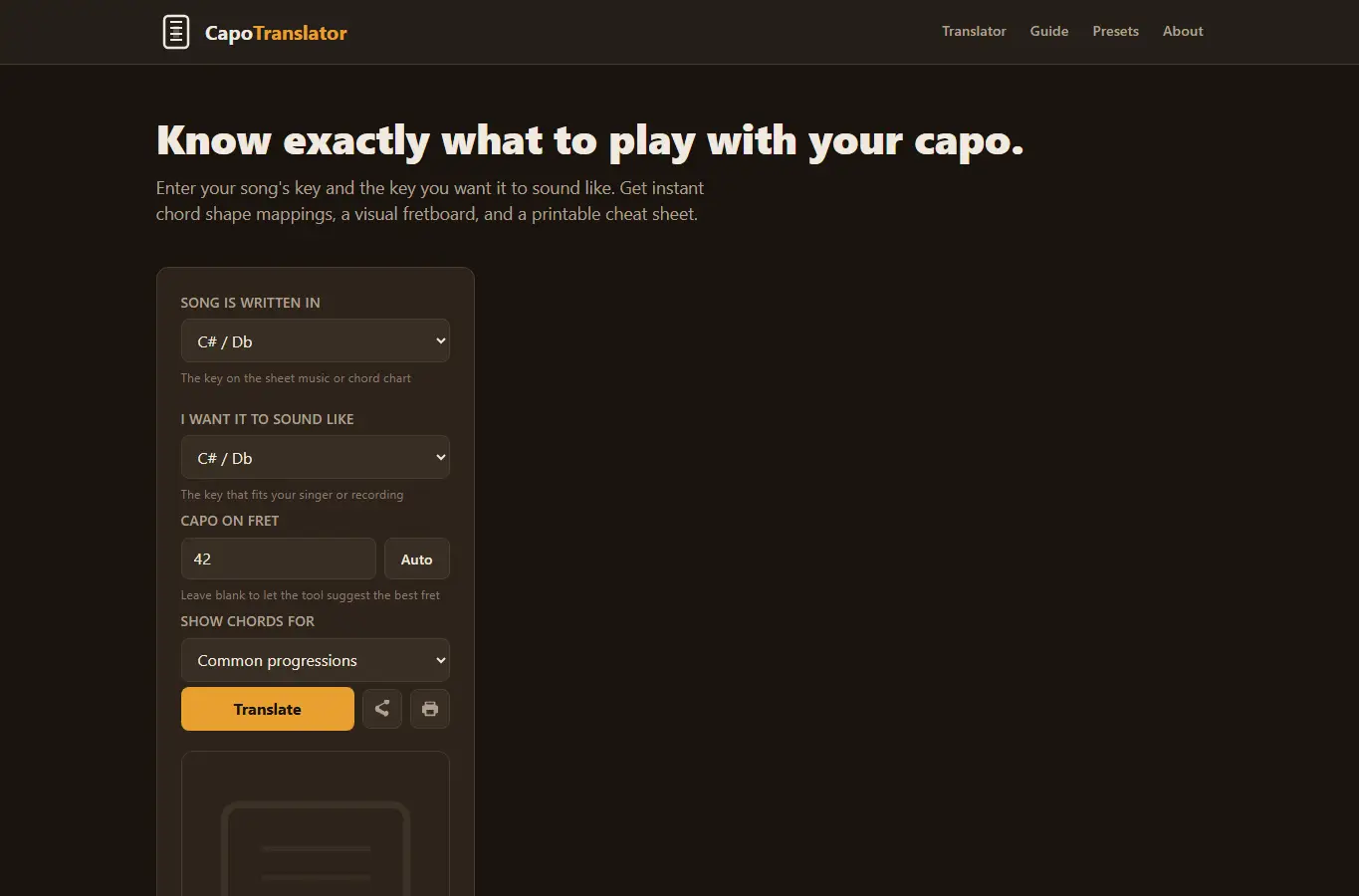
Screenshot of Capo Key Translator interface showing the project page in use

How it helps

Use it for a focused task

The page opens with an interactive capo transposition calculator. Users pick their song's original key, the key they want to hear, and either enter a capo position or let the tool suggest one.

The results show a full chord mapping table with visual fretboard diagrams and chord shapes. Below the calculator, there's a detailed guide covering how capos actually work, common mistakes, when to use capo versus barre chords, edge cases like partial capos, and a printable cheat sheet section.

Start by selecting the key your song is written in (the 'song key'). Then pick the key you want it to sound like (the 'sound key') based on your singer's range.
Good next steps

Make the result easier to act on

  • Start with the examples or presets if you are unsure what to enter for Capo Key Translator.
  • Try one realistic scenario first, then adjust the numbers or notes to compare another path.
  • Use save or share from the project footer when you want to return to the same helper later.
  • Open a related project below when the result points to a timing, budget, writing, planning, or comparison task.

Topics

Where this fits

Related projects