
Guides

BuildBox: Furniture Assembly Hardware Sorter

Before you start assembling furniture, input the parts list to get a visual sorting guide, common missing-hardware workarounds, and a step-priority checklist.

App typeGuides
AddedJun 12, 2026
Uses2 uses
Addressfurniture-assembly-hardware-sorter.hub2.day
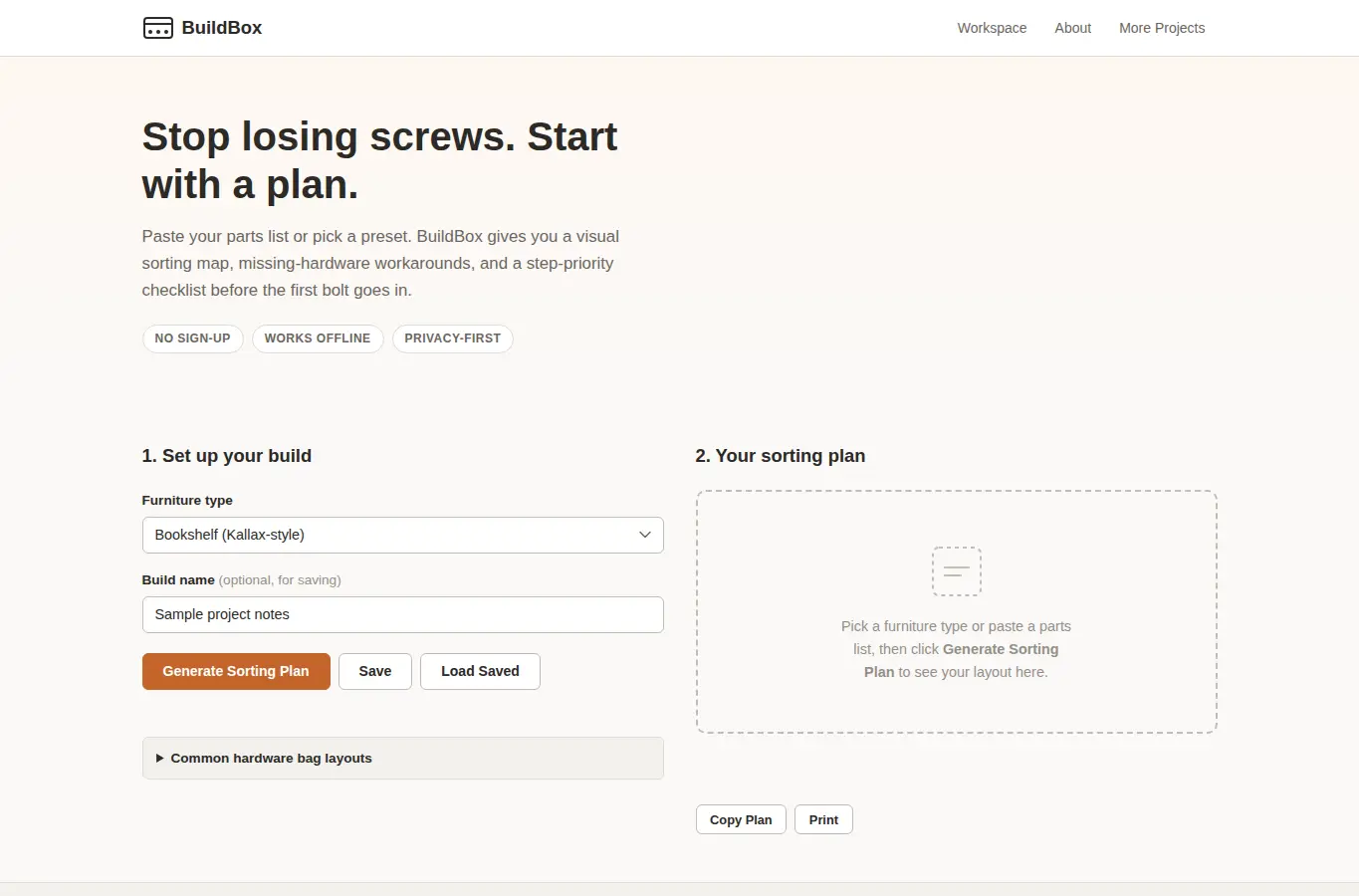
Screenshot of BuildBox: Furniture Assembly Hardware Sorter interface showing the project page in use

How it helps

Use it for a focused task

BuildBox turns a confusing bag of hardware into a clear plan. Pick your furniture type or paste a parts list, and the workspace generates a visual sorting diagram, flags parts that go missing most often, and produces a step-by-step checklist with warnings for steps you can't undo.

Choose a preset from the dropdown or paste your own parts list into the text area. Click Generate to see the sorting layout, missing-hardware workarounds, and checklist.

Use Copy or Print to take the plan to your workspace. Save stores your setup in the browser so you can reload it next time you move or reassemble.

Good next steps

Make the result easier to act on

  • Start with the examples or presets if you are unsure what to enter for BuildBox: Furniture Assembly Hardware Sorter.
  • Try one realistic scenario first, then adjust the numbers or notes to compare another path.
  • Use save or share from the project footer when you want to return to the same helper later.
  • Open a related project below when the result points to a timing, budget, writing, planning, or comparison task.

Topics

Where this fits

Related projects