
Guides

FuelFail: Contamination Incident Log

Step-by-step guide to document a suspected bad fuel fill-up, generating a structured report for the station and mechanic.

App typeGuides
AddedMay 14, 2026
Views5 views
Addressfuel-contamination-report-builder.hub2.day
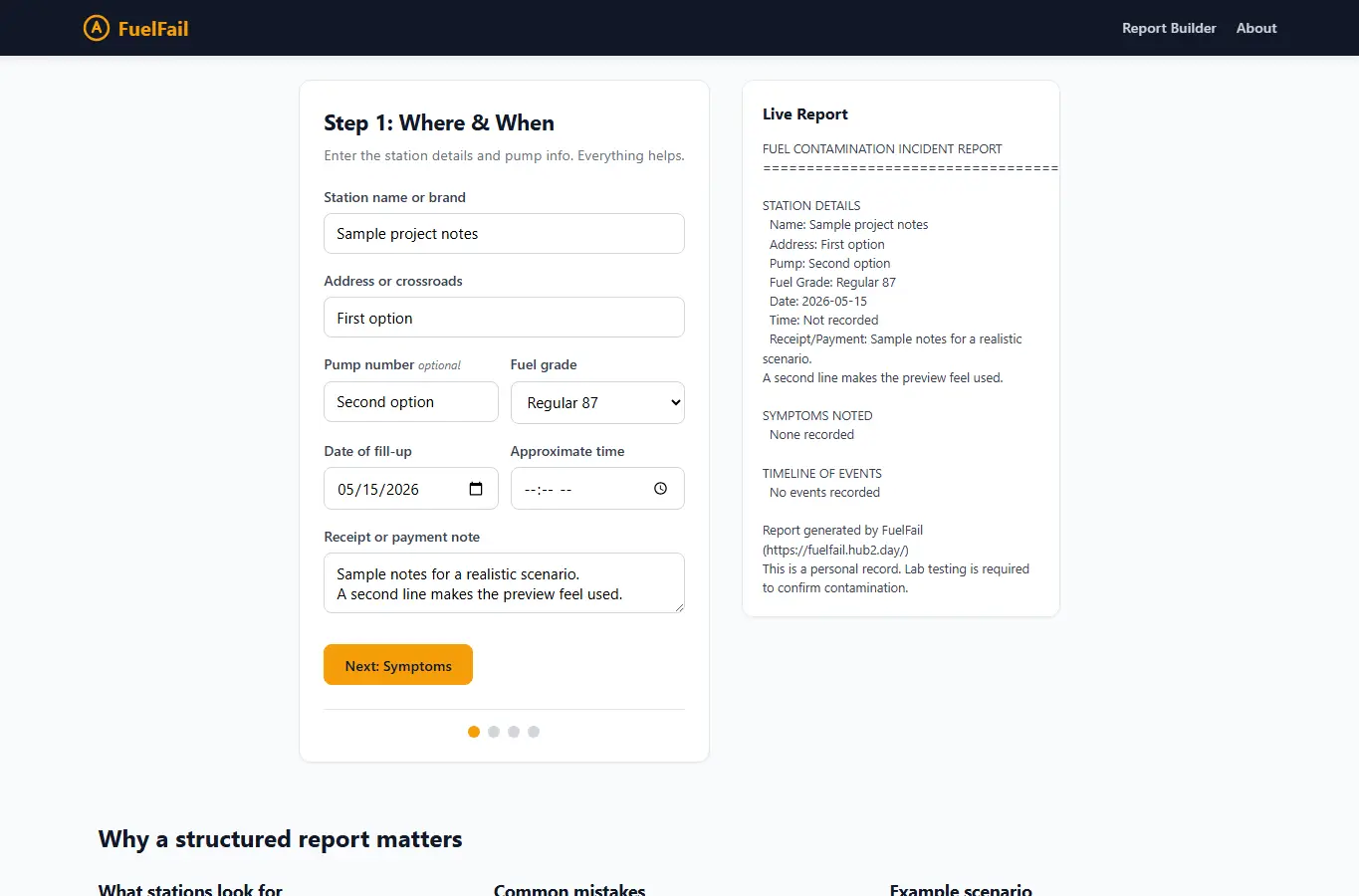
Screenshot of FuelFail: Contamination Incident Log interface showing the project page in use

How it helps

Use it for a focused task

FuelFail walks you through capturing everything you need after a suspected contaminated fuel stop. You fill in station details, pump number, receipt info, and a timeline of symptoms.

The page builds a clean report you can print, copy, or save. A mechanic notes section and demand letter template are included.

Start with Step 1: enter where and when you bought fuel. Add the pump number if you remember it.

Good next steps

Make the result easier to act on

  • Start with the examples or presets if you are unsure what to enter for FuelFail: Contamination Incident Log.
  • Try one realistic scenario first, then adjust the numbers or notes to compare another path.
  • Use save or share from the project footer when you want to return to the same helper later.
  • Open a related project below when the result points to a timing, budget, writing, planning, or comparison task.

Topics

Where this fits

Related projects