
Guides

Flashcard Batch Splitter

Flashcard Batch Splitter is a focused browser-side helper for turning a specific flashcard batch splitter task into a clearer next step.

App typeGuides
AddedMay 21, 2026
Uses2 uses
Addressflashcard-batch-splitter.hub2.day
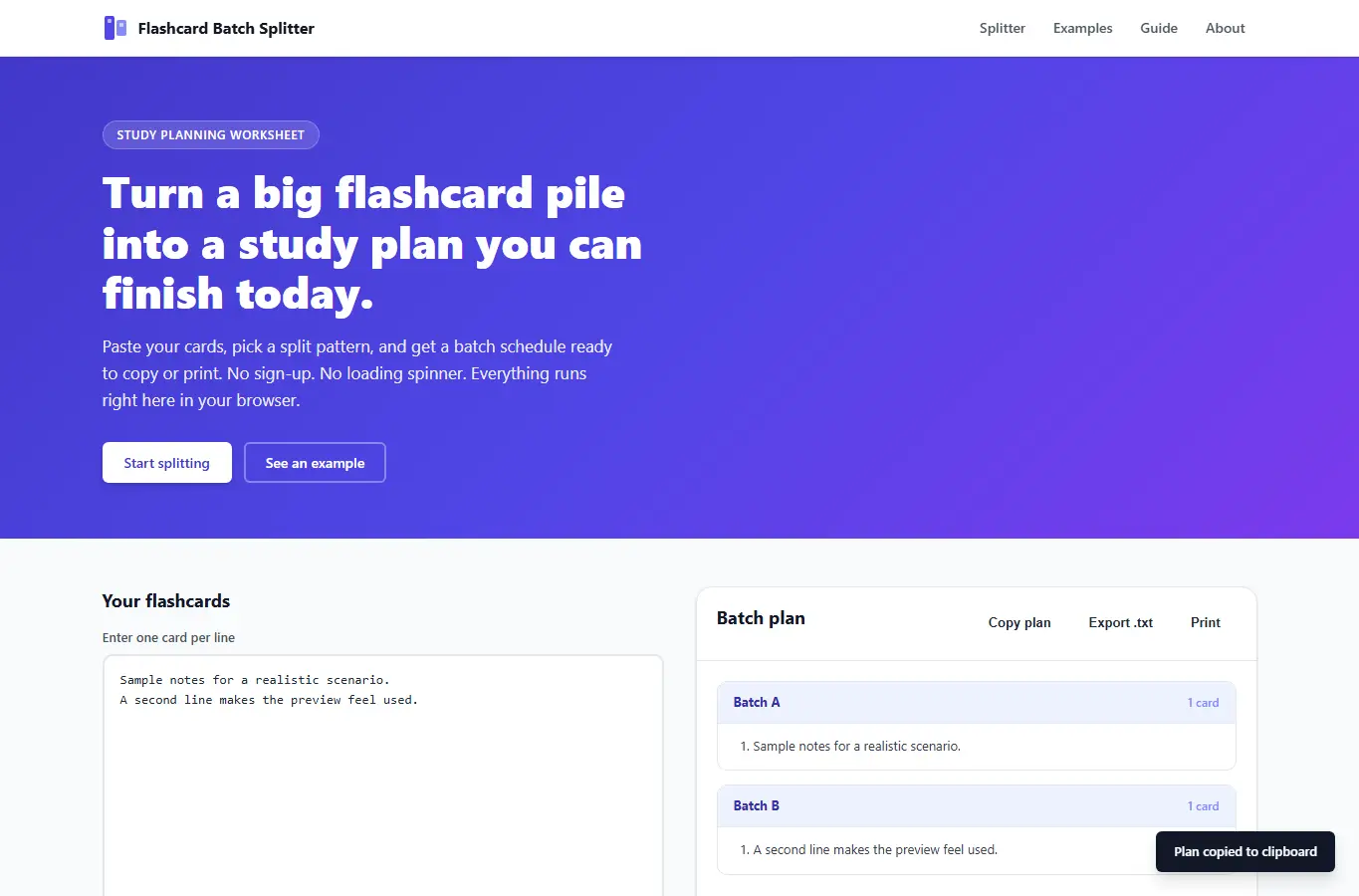
Screenshot of Flashcard Batch Splitter interface showing the project page in use

How it helps

Use it for a focused task

Paste or type your flashcards, pick a split pattern, and get a ready-to-use batch plan. Each batch shows card count and suggested review order.

You can export the plan as plain text, copy it to your clipboard, or print a clean worksheet. Enter one flashcard per line in the input box.

Choose how you want to split them (by count, by batch size, or by tag groups). Adjust the batch size or count using the slider.

Good next steps

Make the result easier to act on

  • Start with the examples or presets if you are unsure what to enter for Flashcard Batch Splitter.
  • Try one realistic scenario first, then adjust the numbers or notes to compare another path.
  • Use save or share from the project footer when you want to return to the same helper later.
  • Open a related project below when the result points to a timing, budget, writing, planning, or comparison task.

Topics

Where this fits

Related projects