
Planners

Exam Topic Weight Planner

Exam Topic Weight Planner is a focused browser-side helper for turning a specific exam topic weight planner task into a clearer next step.

App typePlanners
AddedMay 19, 2026
Uses1 use
Addressexam-topic-weight-planner.hub2.day
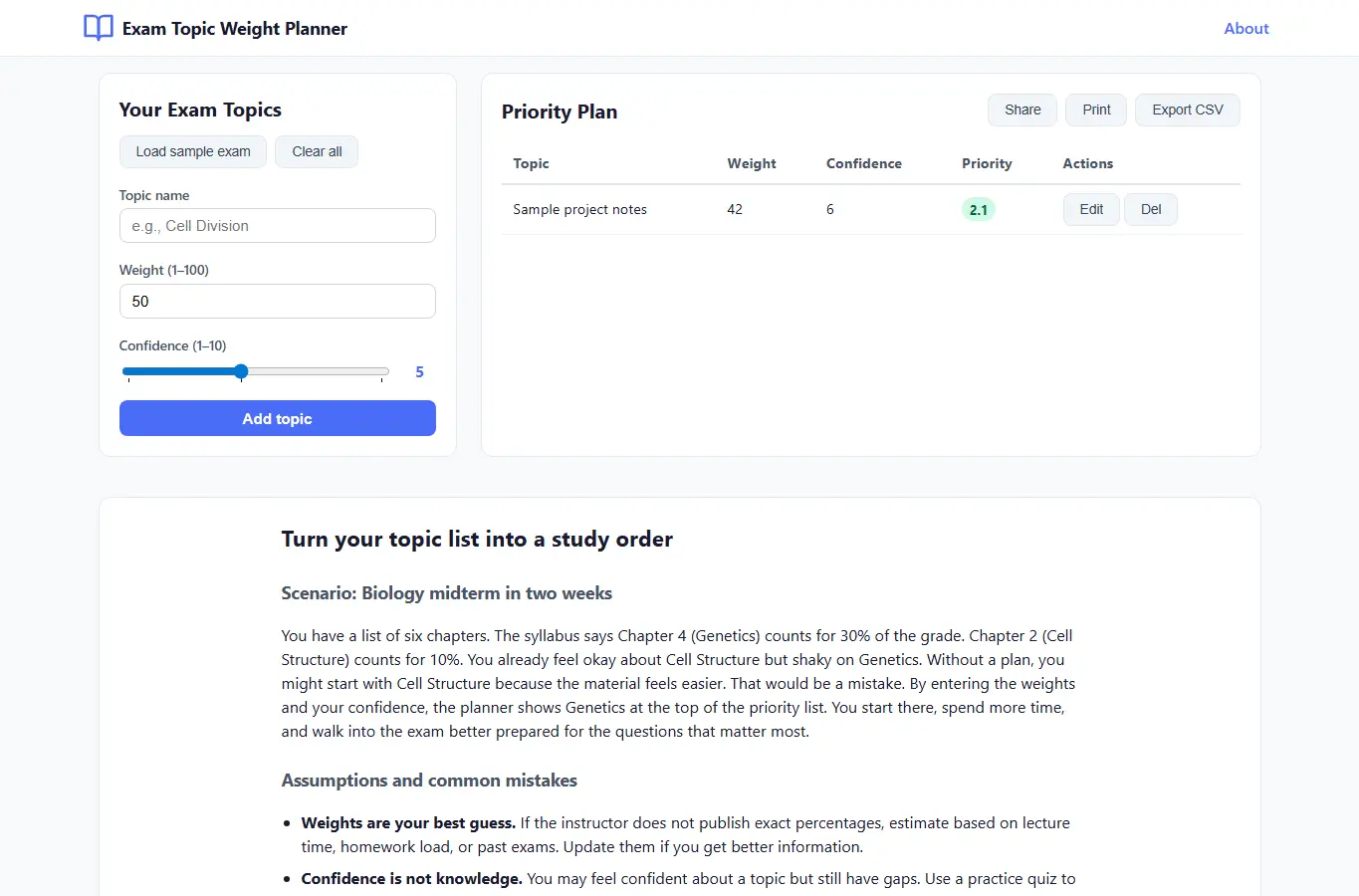
Screenshot of Exam Topic Weight Planner interface showing the project page in use

How it helps

Use it for a focused task

This planner helps you decide how much time to spend on each exam topic. You enter the topics, estimate their weight (how heavily they count toward the final grade), and rate your current confidence.

The page shows you a priority score and a suggested study order, so you can focus on topics that matter most and where you have the most room to improve. Start by adding your exam topics in the left panel.

For each topic, set a weight (1 to 100) and a confidence level (1 to 10). The weight should reflect how much the topic counts on the exam.

Good next steps

Make the result easier to act on

  • Start with the examples or presets if you are unsure what to enter for Exam Topic Weight Planner.
  • Try one realistic scenario first, then adjust the numbers or notes to compare another path.
  • Use save or share from the project footer when you want to return to the same helper later.
  • Open a related project below when the result points to a timing, budget, writing, planning, or comparison task.

Topics

Where this fits

Related projects