
Planners

Documentary Binge Scheduler

Plan documentary watching sessions with time blocks, break intervals, and topic continuity

App typePlanners
AddedJul 26, 2026
Uses1 use
Addressdocumentary-binge-scheduler.hub2.day
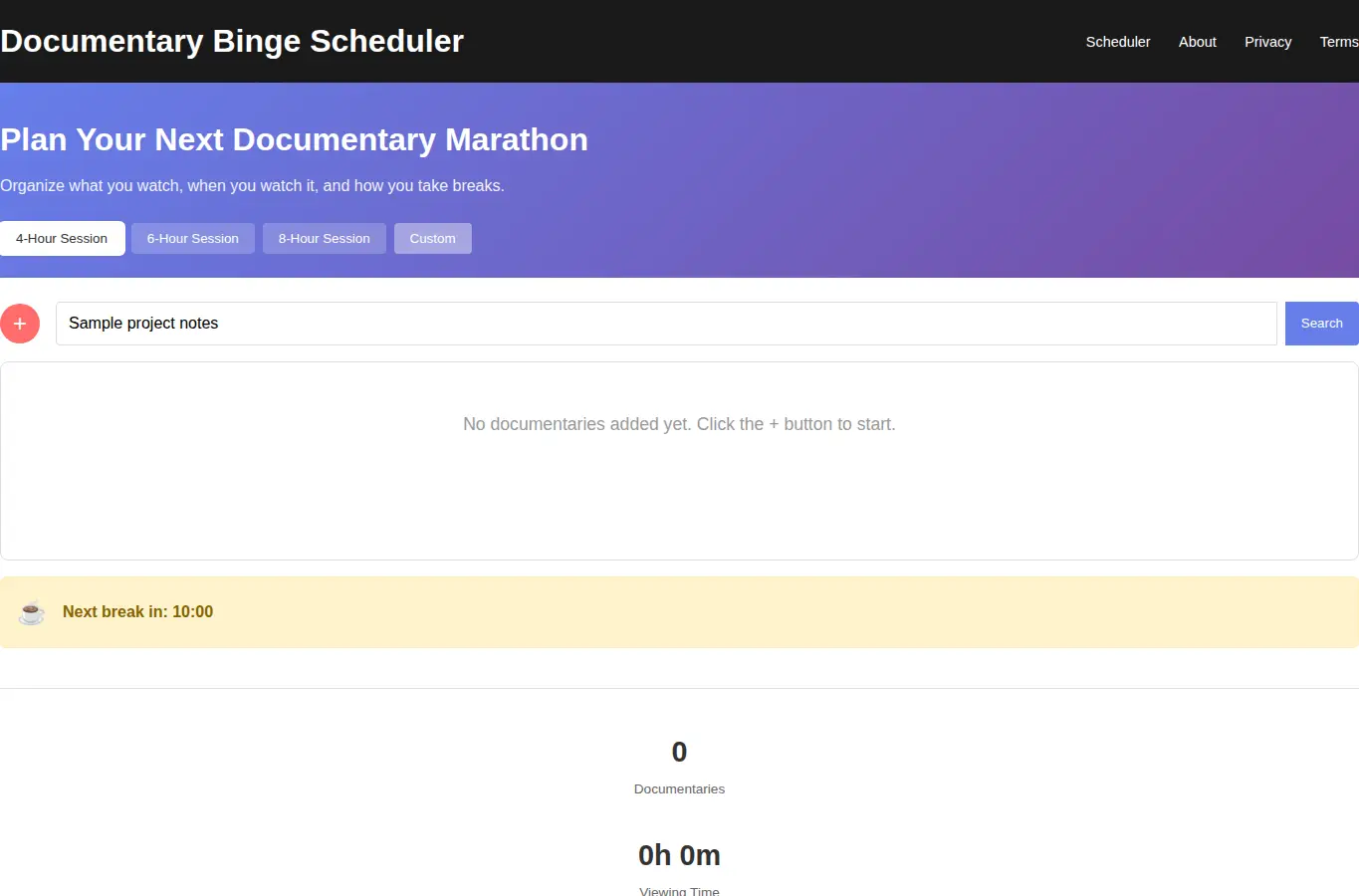
Screenshot of Documentary Binge Scheduler interface showing the project page in use

How it helps

Use it for a focused task

The scheduler helps you organize documentary watching sessions by breaking them into time blocks with natural break points. You can assign topics to each block, see total runtime, and share your plan with friends.

Add documentaries by clicking 'Add Documentary' or pressing the + button. Enter title, runtime, and select a topic color.

Arrange blocks by dragging them up or down. The scheduler shows total time including breaks.

Good next steps

Make the result easier to act on

  • Start with the examples or presets if you are unsure what to enter for Documentary Binge Scheduler.
  • Try one realistic scenario first, then adjust the numbers or notes to compare another path.
  • Use save or share from the project footer when you want to return to the same helper later.
  • Open a related project below when the result points to a timing, budget, writing, planning, or comparison task.

Topics

Where this fits

Related projects