
Guides

DIY Instrument Pedal Signal Chain Optimizer

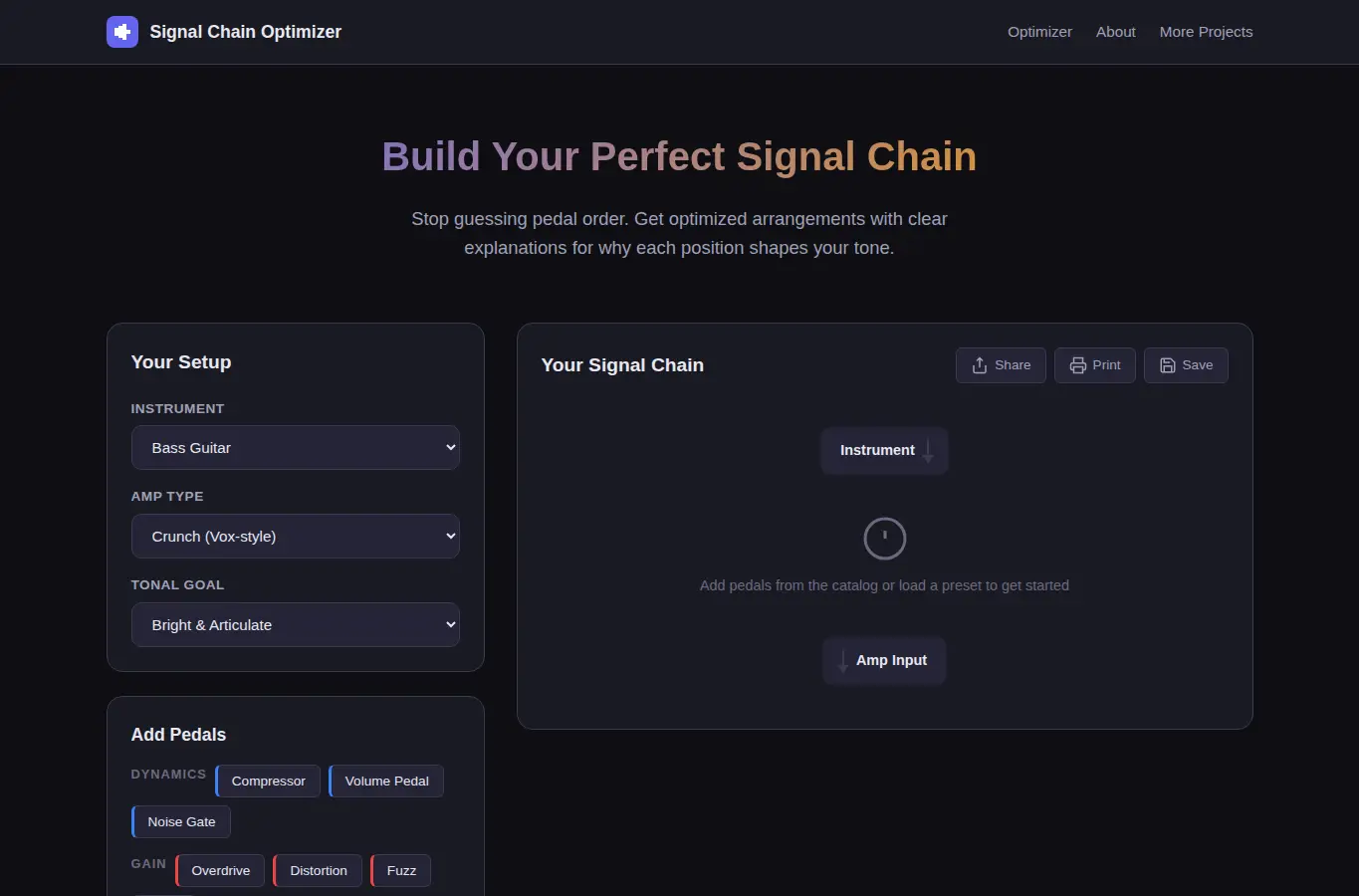
Users select their instrument, pedals, and amp type and receive an optimized signal chain order with explanations for why each position matters and what tone changes to expect.

App typeGuides
AddedJun 3, 2026
Uses4 uses
Addressdiy-instrument-pedal-signal-chain-optimizer.hub2.day
Screenshot of DIY Instrument Pedal Signal Chain Optimizer interface showing the project page in use

How it helps

Use it for a focused task

This page lets you build a virtual signal chain by selecting your instrument, amp type, and pedals. It then recommends an optimal order with explanations for each position, tone change descriptions, and a printable diagram.

Includes instrument-specific templates, noise/impedance notes, and common swap comparisons. Start by picking your instrument and amp type from the dropdowns.

Then add pedals from the catalog or type custom names. Drag to reorder or use the auto-optimize button.

Good next steps

Make the result easier to act on

  • Start with the examples or presets if you are unsure what to enter for DIY Instrument Pedal Signal Chain Optimizer.
  • Try one realistic scenario first, then adjust the numbers or notes to compare another path.
  • Use save or share from the project footer when you want to return to the same helper later.
  • Open a related project below when the result points to a timing, budget, writing, planning, or comparison task.

Topics

Where this fits

Related projects