
Guides

CSS Animation Timing and Easing Preview

An interactive playground where developers preview CSS animation curves, adjust duration and delay parameters side by side, and copy production-ready keyframe code.

App typeGuides
AddedJun 15, 2026
Uses8 uses
Addresscss-animation-timing-preview.hub2.day
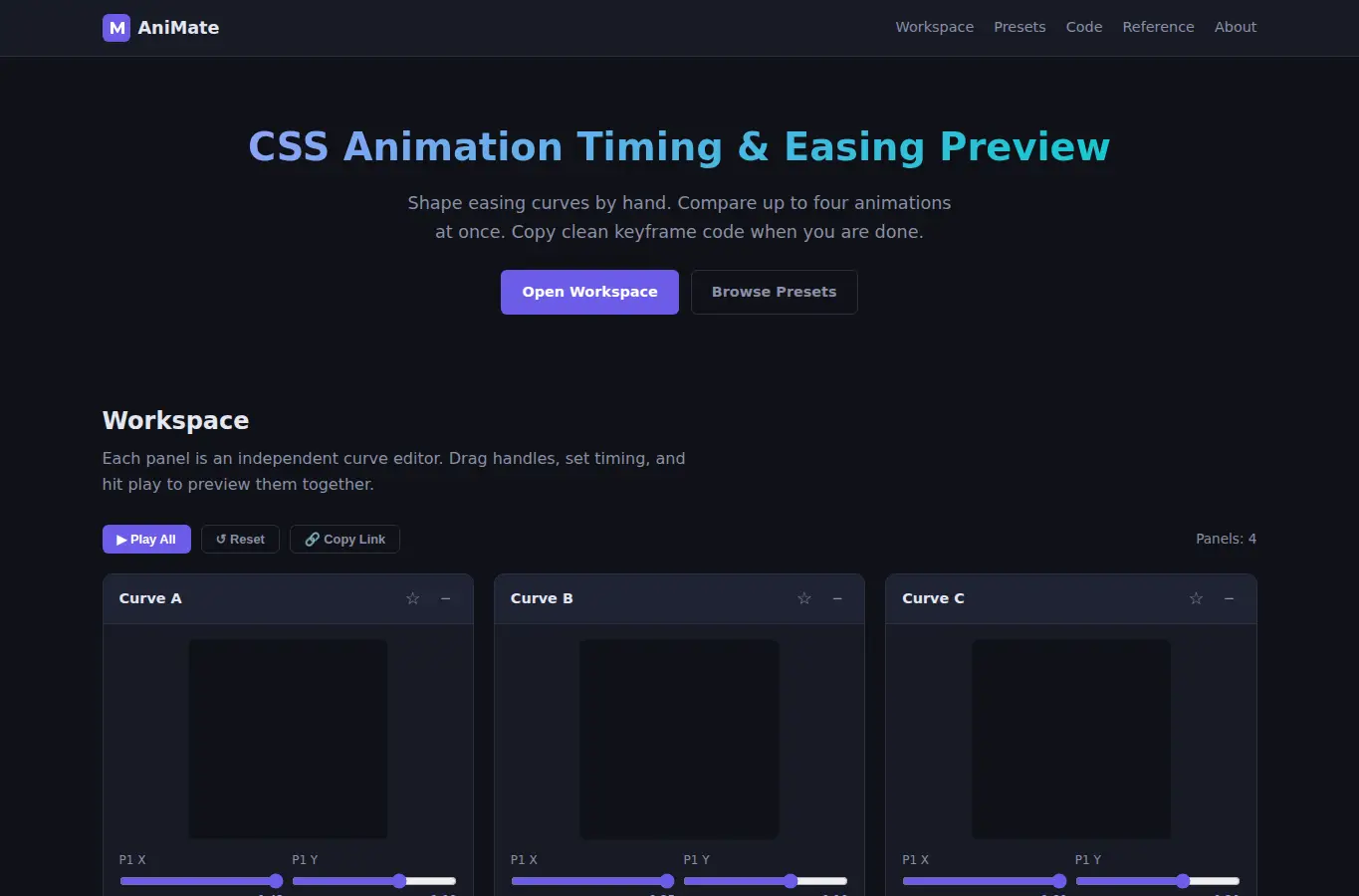
Screenshot of CSS Animation Timing and Easing Preview interface showing the project page in use

How it helps

Use it for a focused task

An interactive workspace for previewing and comparing CSS animation timing functions. Drag cubic-bezier handles, set duration and delay, pick from curated presets, and copy clean keyframe blocks.

Up to four curves play at once so you can see the difference between motion styles without switching tabs. Pick a preset or drag the bezier handles to shape your curve.

Set duration and delay in the fields below each preview. Hit Play to see all curves animate together.

Good next steps

Make the result easier to act on

  • Start with the examples or presets if you are unsure what to enter for CSS Animation Timing and Easing Preview.
  • Try one realistic scenario first, then adjust the numbers or notes to compare another path.
  • Use save or share from the project footer when you want to return to the same helper later.
  • Open a related project below when the result points to a timing, budget, writing, planning, or comparison task.

Topics

Where this fits

Related projects