How it helps
Use it for a focused task
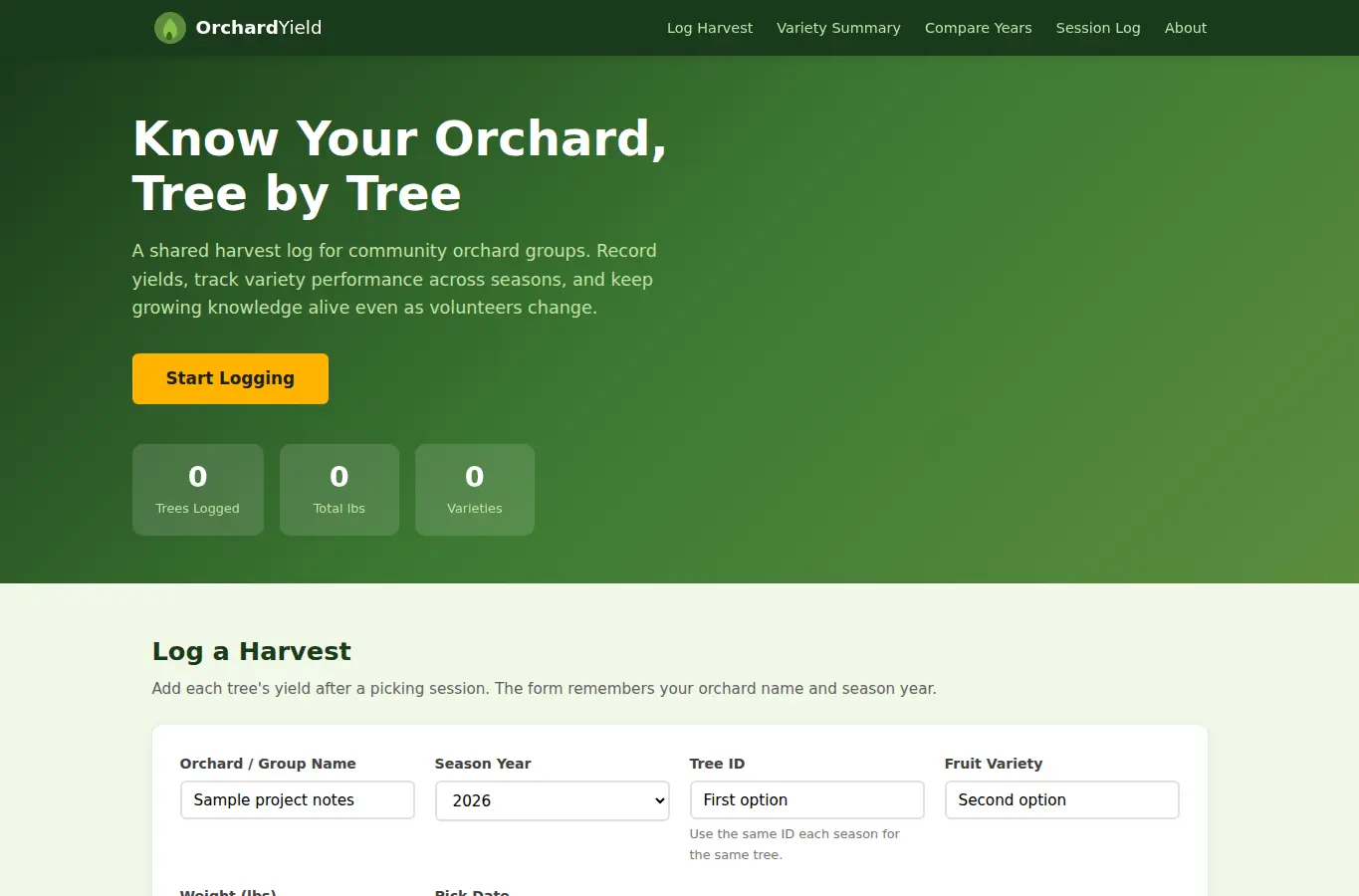
The page opens with a harvest entry form pre-loaded with example trees so visitors can see how it works before typing anything. Below that, a live summary table shows aggregated yields by variety, a year-over-year comparison chart, and a detailed session log.
All data stays in the browser and can be exported or shared via URL. Pick your orchard name, select the season year, then add each tree's harvest: tree ID, variety, weight, and any notes.
Hit 'Log Harvest' to save the entry. The summary table updates automatically.