
Guides

Textbook Edition Skipper

A reference tool that helps students determine whether a newer textbook edition is meaningfully different from the previous one — and whether they can safely use the older, cheaper edition for their course.

App typeGuides
AddedJun 6, 2026
Uses3 uses
Addresscollege-textbook-edition-skipper.hub2.day
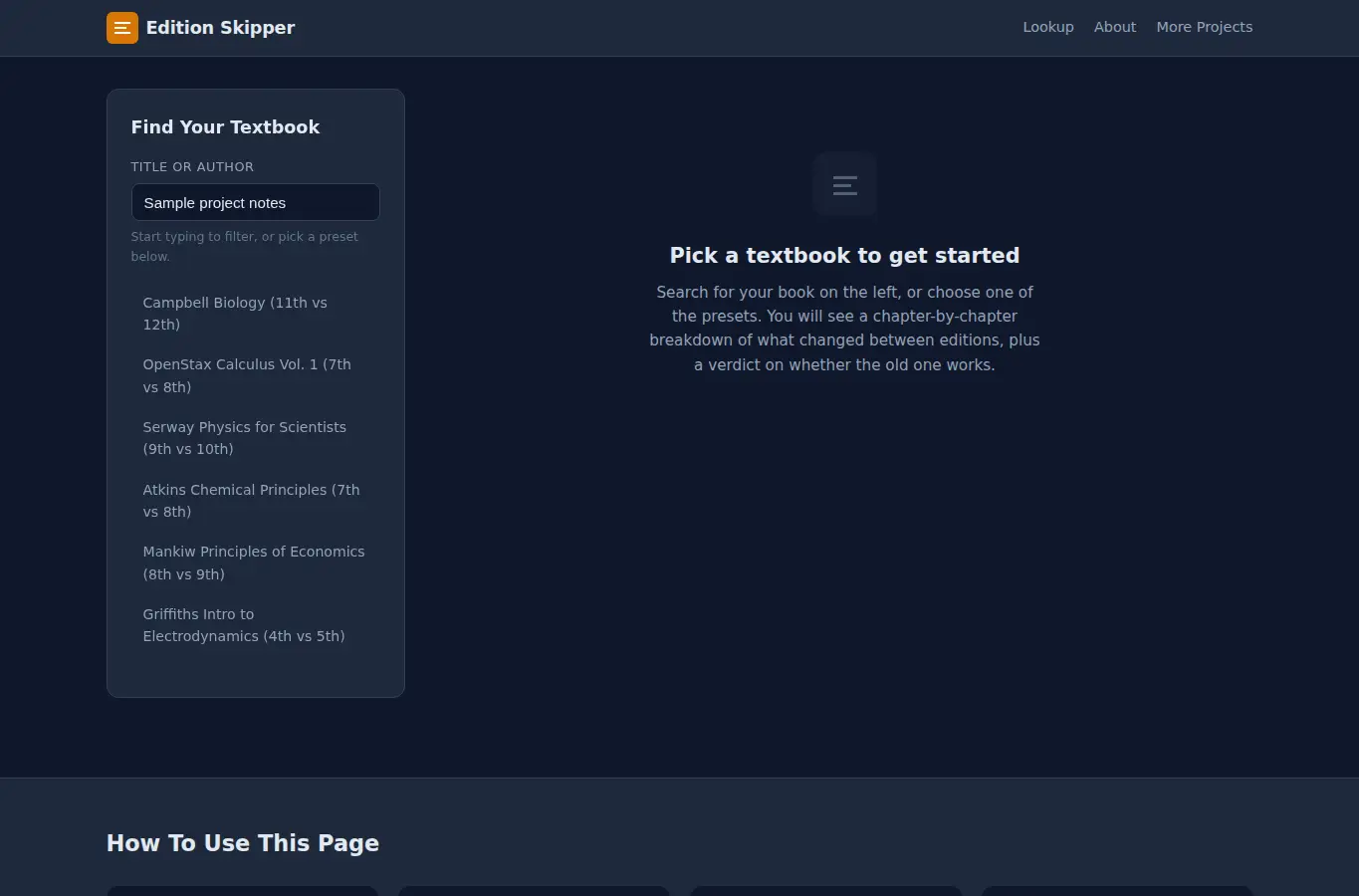
Screenshot of Textbook Edition Skipper interface showing the project page in use

How it helps

Use it for a focused task

A reference workspace where students look up their textbook by title, pick the edition they own or can afford, and see a structured comparison against the newest edition. The page shows chapter changes, problem set differences, a community-sourced verdict, typical used-market prices, and common gotchas like access codes.

Type or search for your textbook title in the panel on the left. Pick the edition you have or are considering.

The comparison loads on the right. Read the chapter diff, check the problem set notes, and look at the verdict badge.

Good next steps

Make the result easier to act on

  • Start with the examples or presets if you are unsure what to enter for Textbook Edition Skipper.
  • Try one realistic scenario first, then adjust the numbers or notes to compare another path.
  • Use save or share from the project footer when you want to return to the same helper later.
  • Open a related project below when the result points to a timing, budget, writing, planning, or comparison task.

Topics

Where this fits

Related projects