
Guides

Car Part Interchange Finder

A reference tool where you enter your vehicle's year, make, and model along with the part you need, and it shows you all the other vehicle years and trims that use the exact same part — so you can search junkyards, salvage yards, and online listings for cheaper compatible alternatives instead of buying the expensive OEM version.

App typeGuides
AddedJun 4, 2026
Uses5 uses
Addresscar-part-interchange-finder.hub2.day
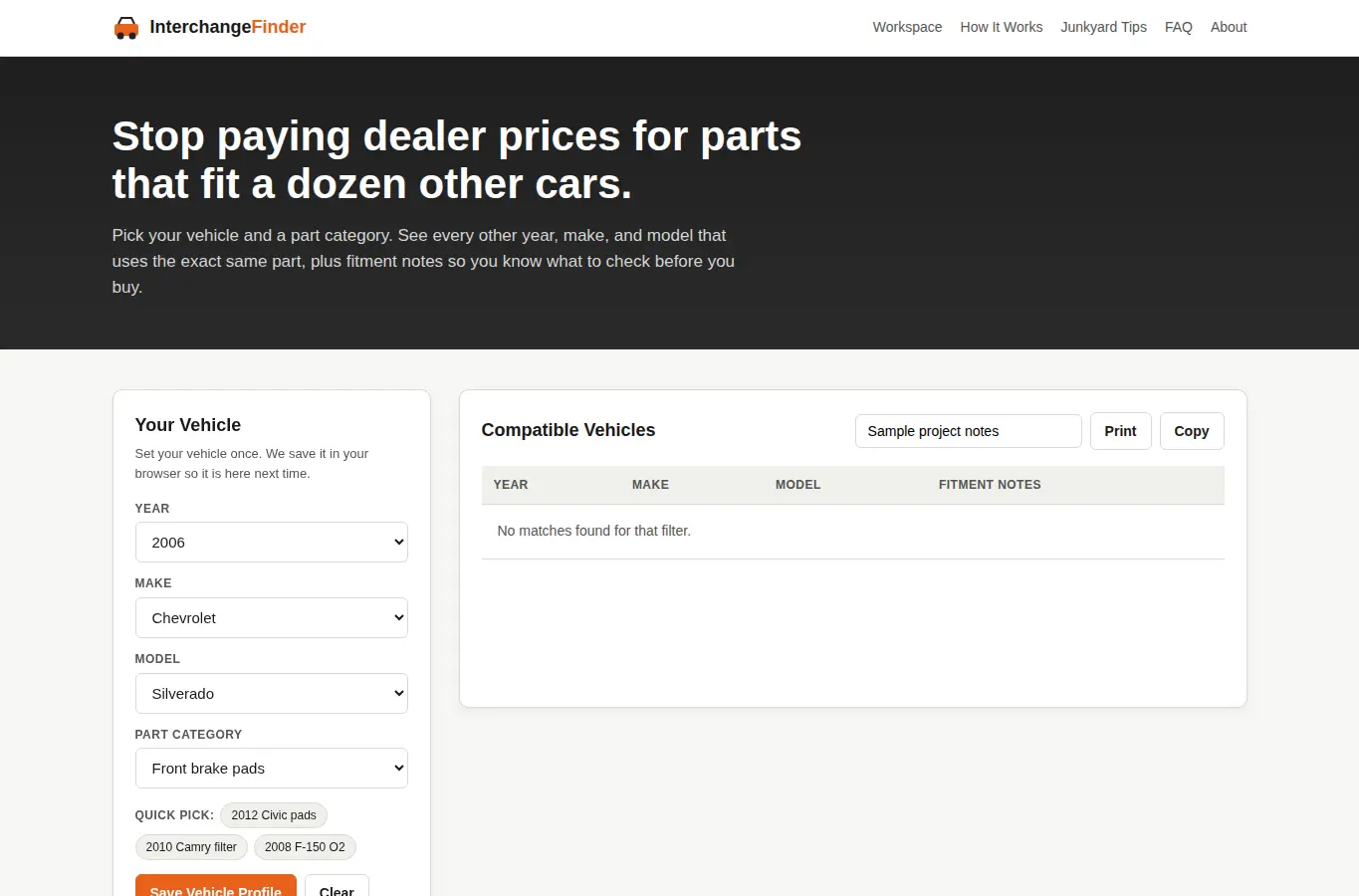
Screenshot of Car Part Interchange Finder interface showing the project page in use

How it helps

Use it for a focused task

A reference workspace where you set your vehicle and pick a part category, then see every other year, make, and model that shares the same part. Each result includes fitment notes so you know exactly what to check before you buy.

Save your vehicle profiles locally and return whenever you need a new part. 1) Select your vehicle year, make, and model from the dropdowns on the left.

2) Choose a part category (brakes, filters, sensors, etc.). 3) The results panel shows all compatible vehicles with fitment caveats.

Good next steps

Make the result easier to act on

  • Start with the examples or presets if you are unsure what to enter for Car Part Interchange Finder.
  • Try one realistic scenario first, then adjust the numbers or notes to compare another path.
  • Use save or share from the project footer when you want to return to the same helper later.
  • Open a related project below when the result points to a timing, budget, writing, planning, or comparison task.

Topics

Where this fits

Related projects