
Guides

Bike Gear Ratio Visualizer

Enter your chainring, cassette, wheel size, and crank length and instantly see a visual representation of every gear combination — with speed-at-cadence charts, gradient capability estimates, and direct comparisons against other drivetrain setups so you can see exactly what you gain or lose before swapping components.

App typeGuides
AddedMay 30, 2026
Uses5 uses
Addressbike-gear-ratio-visualizer.hub2.day
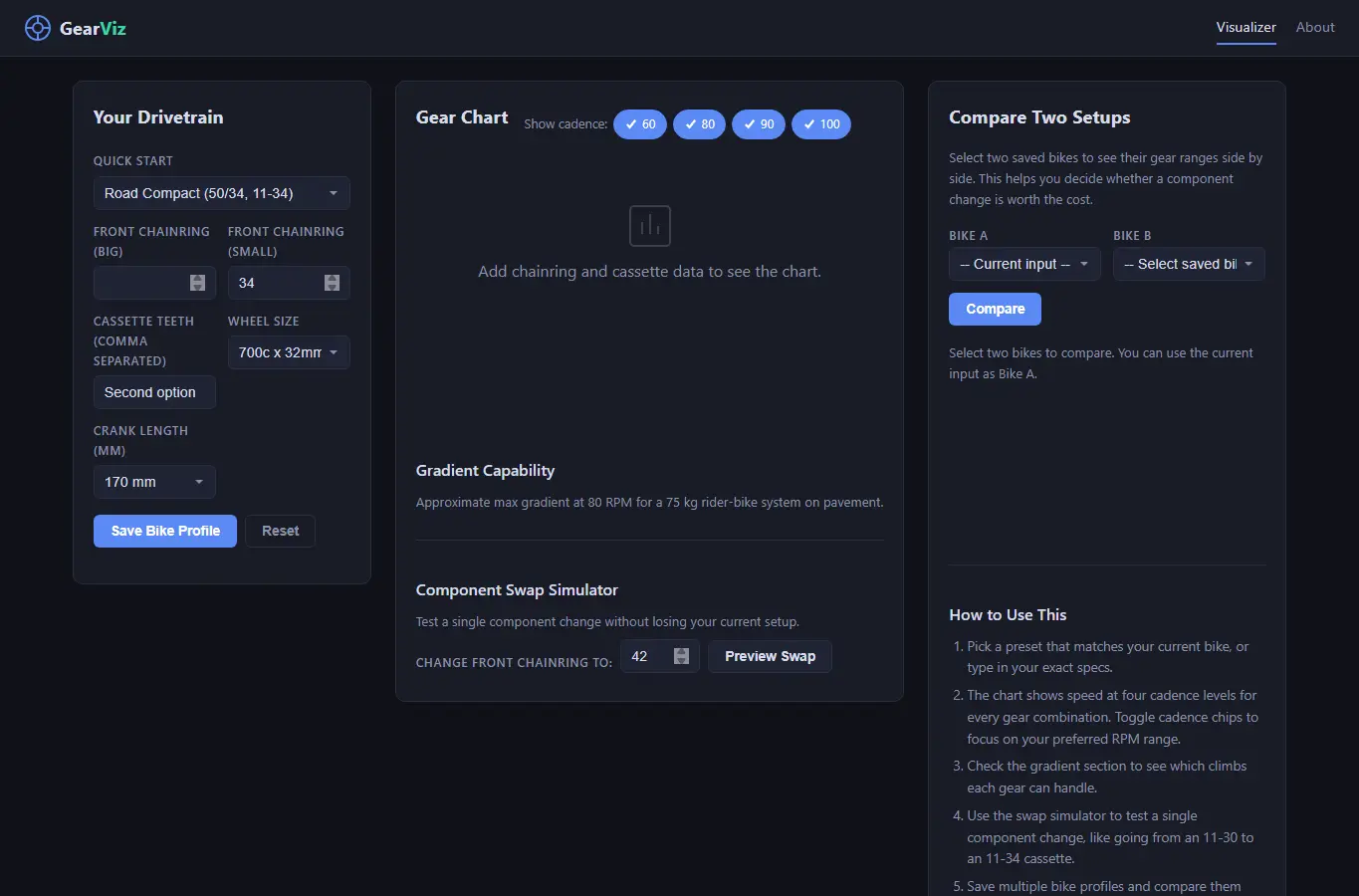
Screenshot of Bike Gear Ratio Visualizer interface showing the project page in use

How it helps

Use it for a focused task

Enter your chainring, cassette, wheel size, and crank length to instantly see every gear combination visualized. The main chart shows speed at four common cadences (60, 80, 90, 100 RPM) so you can spot gaps and overlaps at a glance.

A gradient estimate tells you what climb each gear can handle. Switch to comparison mode to line up two drivetrain setups and see exactly what you gain or lose before buying new parts.

Pick a preset that matches your bike type, or type in your own chainring and cassette teeth. Choose your wheel size from the dropdown or enter a custom tire.

Good next steps

Make the result easier to act on

  • Start with the examples or presets if you are unsure what to enter for Bike Gear Ratio Visualizer.
  • Try one realistic scenario first, then adjust the numbers or notes to compare another path.
  • Use save or share from the project footer when you want to return to the same helper later.
  • Open a related project below when the result points to a timing, budget, writing, planning, or comparison task.

Topics

Where this fits

Related projects