
Guides

Analog Reel Label Maker

A template generator that helps users create professional-quality labels for their reel-to-reel tapes with space for project information, date, tape type, speed, and other metadata in historically accurate layouts

App typeGuides
AddedAug 2, 2026
Addressanalog-reel-label-maker.hub2.day
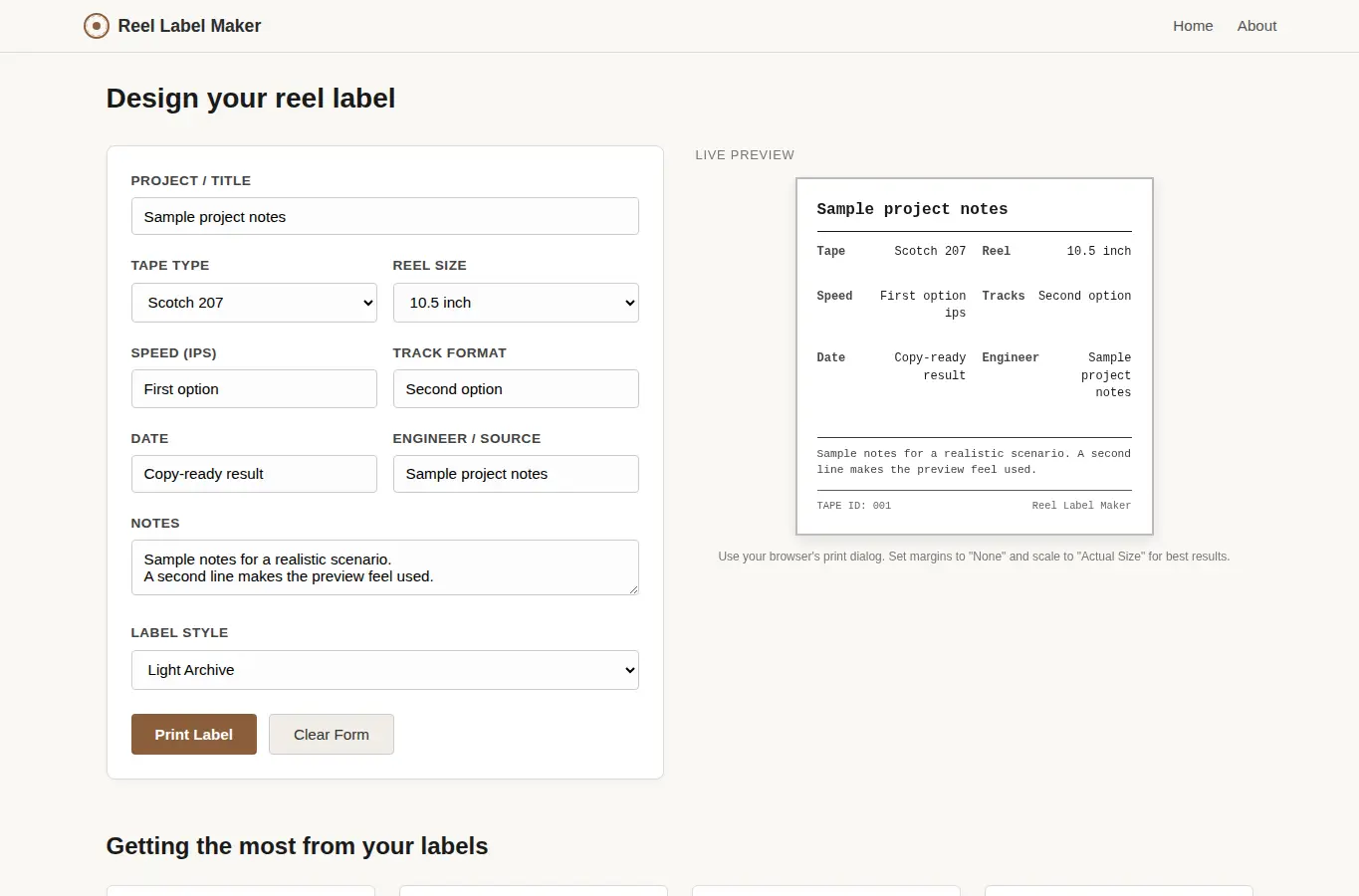
Screenshot of Analog Reel Label Maker interface showing the project page in use

How it helps

Use it for a focused task

This page helps you build a professional label for any reel-to-reel tape. You fill in the details about your recording, choose a label style, and see a live preview that updates as you type.

When you are happy with the result, you can print it directly or save the label as a PDF from your browser. The layout is based on common studio tape box labels from the 1960s through the 1980s, with space for all the metadata that helps you find a tape quickly without handling it.

Start by selecting your tape type and reel size from the dropdowns. The speed and track format fields will auto-fill with sensible defaults, but you can change them.
Good next steps

Make the result easier to act on

  • Start with the examples or presets if you are unsure what to enter for Analog Reel Label Maker.
  • Try one realistic scenario first, then adjust the numbers or notes to compare another path.
  • Use save or share from the project footer when you want to return to the same helper later.
  • Open a related project below when the result points to a timing, budget, writing, planning, or comparison task.

Topics

Where this fits

Related projects